AI Creator Monitor Bundle: Verified Setup $450
By Kai Moreno • 23rd Mar
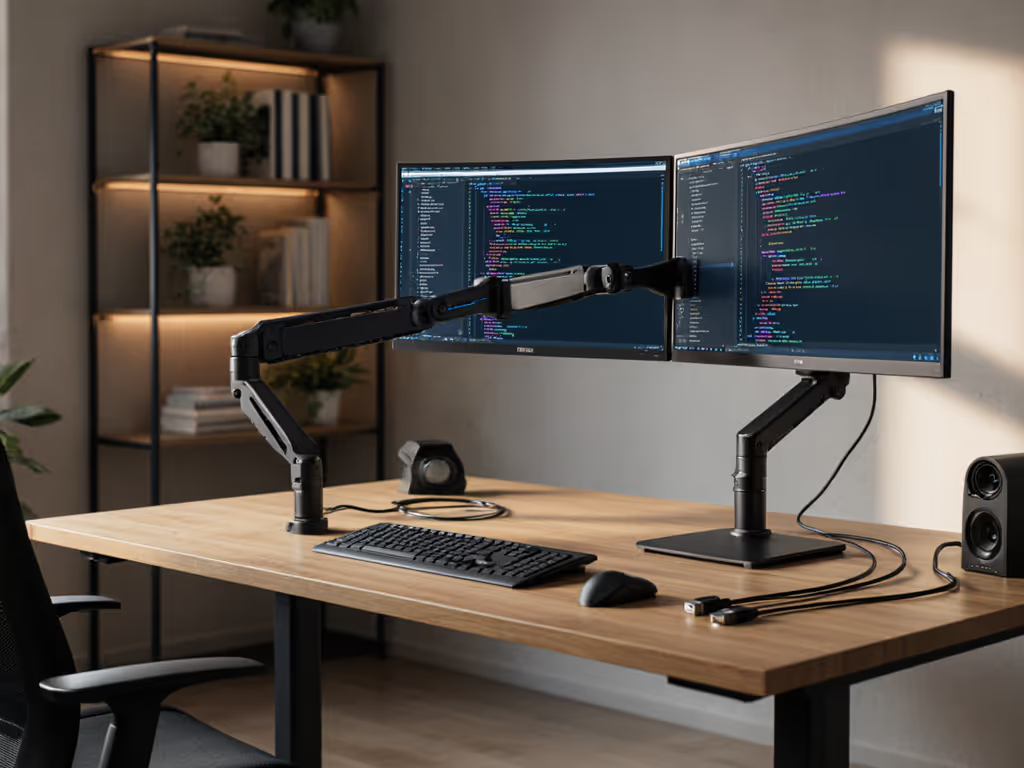
Building an AI content creator monitor bundle under $450 requires spec-first discipline. Most setups fail not because of the displays themselves, but because creators skip the desk geometry, cable protocols, and weight ratings that make or break multi-monitor performance.
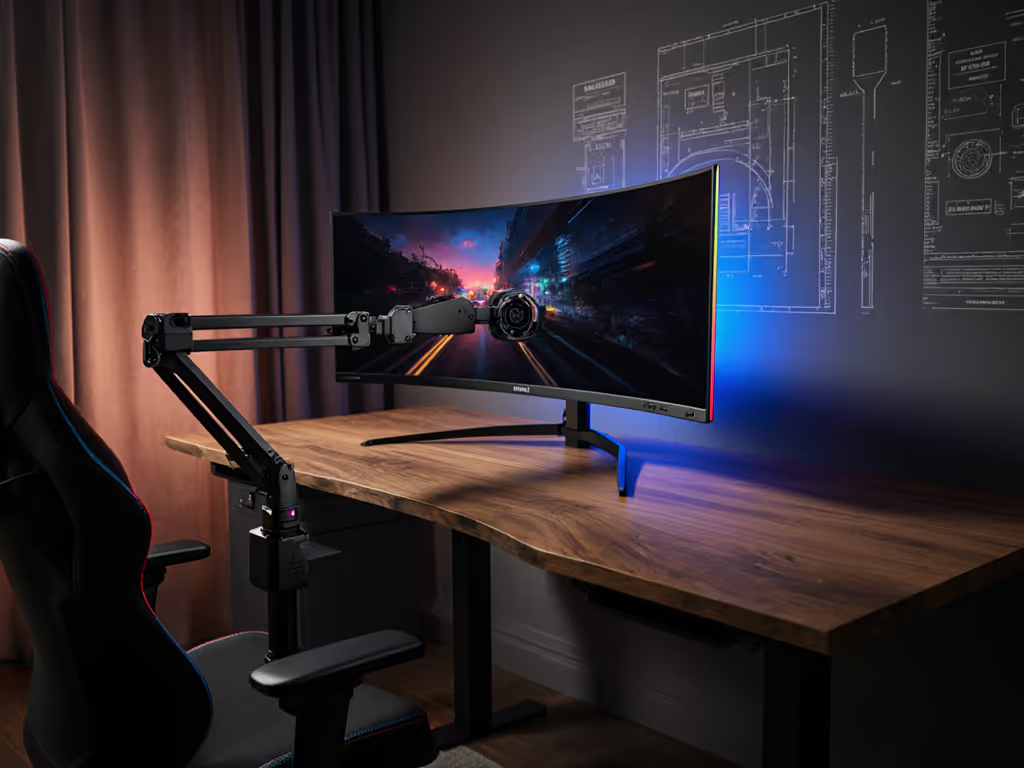
I learned this the hard way clamping a premium arm to a 49-inch curved panel, only to watch it sag and twist within weeks because I'd ignored weight maps at full extension and VESA offset. The fix wasn't a better monitor; it was rebuilding the desk from specs outward. Since then, every setup I recommend starts with the foundation, not the gear. Spec the desk, then the gear, never the other way.
This guide walks through a verified generative AI workspace setup at $450, complete with measurable specs and compatibility matrices to eliminate surprises.
1. Dual-Monitor Configuration: 27" 1440p 144Hz + 24" 1080p 60Hz Base
Specs that matter:
- Primary (27", 1440p, 144Hz): 550 × 320 mm frame footprint; 4.5-5.2 kg; VESA 100 or 75mm
- Secondary (24", 1080p, 60Hz): 530 × 300 mm footprint; 3.2-3.8 kg; VESA 100mm (standard)
- Combined desk footprint: ~1.15 m width at standard 60 cm viewing distance
- Total monitor weight: ~8-9 kg (critical for arm load rating)
Why this split: The primary display handles your AI tool UI, storyboards, and real-time previews at high refresh, essential for prompt engineering and image iteration responsiveness. The secondary holds reference material, asset libraries, or a timer without refresh-rate waste. Video editors confirm a 1440p/144Hz + 1080p/60Hz pairing cuts cognitive load versus a single ultrawide.
Cost baseline: $140-$180 (primary) + $90-$120 (secondary) = $230-$300 monitor spend. Leaves $150-$220 for arm, cables, and dock.
2. Monitor Arm Compatibility Matrix: Weight, VESA Offset, Clamp Depth
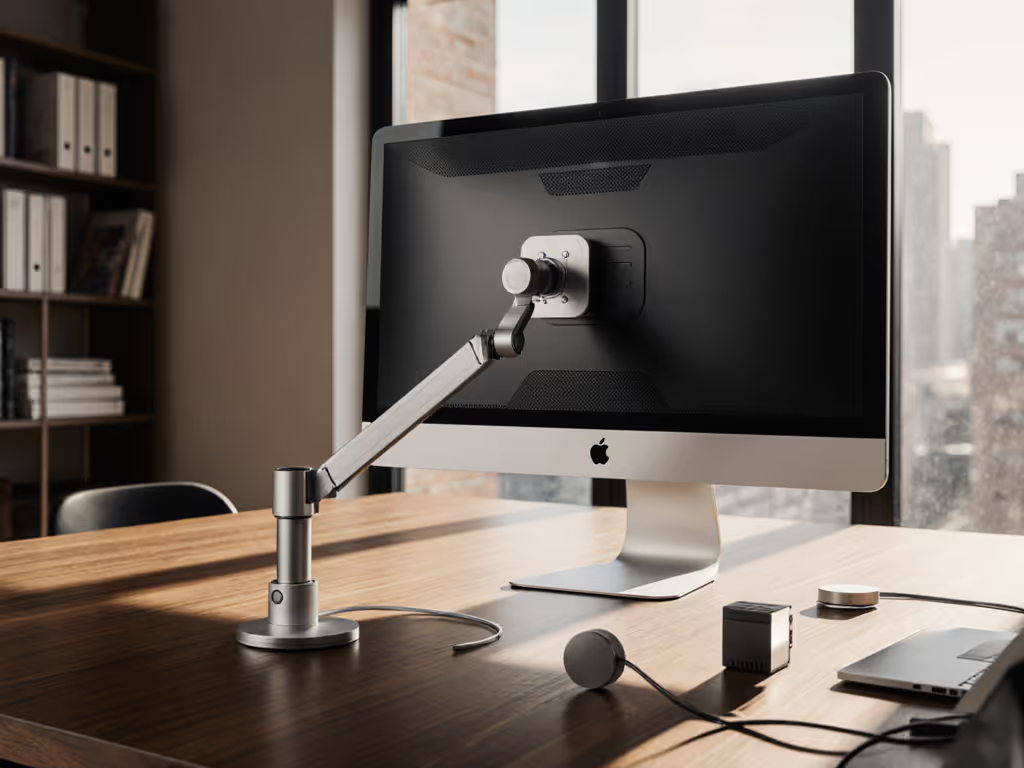
This is where 80% of setups derail. If your desktop has tricky thickness or cutouts, see our clamp vs grommet vs bolt mounting tests to choose the right attachment method. Your arm must handle not just weight, but center-of-gravity (COG) offset when a monitor extends 150-200 mm from its VESA plate.
Critical specs:
| Parameter | Your Desk Constraint | Arm Requirement | Cost Impact |
|---|---|---|---|
| Clamp range | 13-76 mm desk edge | Dual-clamp or grommet | +$0-40 |
| Weight capacity (at max reach) | 8-9 kg monitors | Arm rated ≥12 kg @ 30 cm | +$10-30 |
| VESA offset tolerance | Up to 8 cm forward | Counterbalance spring or gas | +$20-50 |
| Rotation (portrait mode) | Yes/No? | Swivel + rotate VESA plate | +$15-25 |
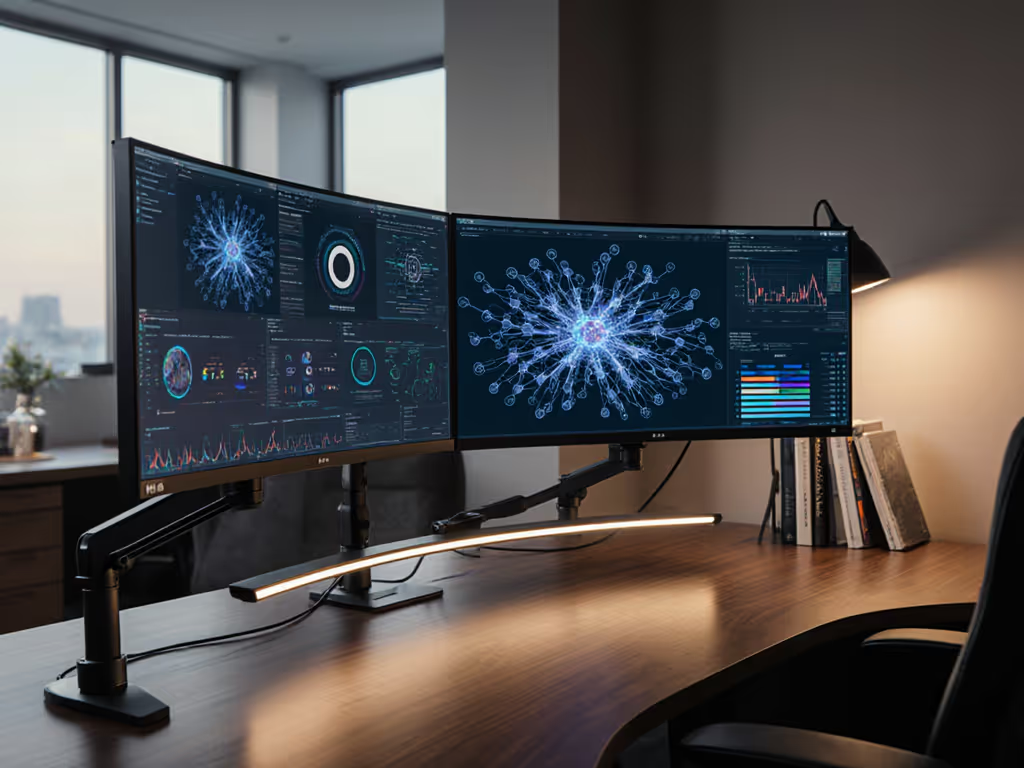
Verified setup: A dual-arm (one per monitor) architecture beats a single ultrawide arm, it distributes load and allows independent height/angle tuning. Two compact arms (~15 cm reach each) rated for 5-6 kg at full extension cost $80-$140 combined; a single heavy-duty arm for 8 kg starts at $120+ and risks micro-shakes on standing desks at max height.
3. Cable Protocol Stack: HDMI 2.1 vs DisplayPort 1.4 HBR3 vs USB-C Alt Mode
AI workflows often involve tethering a laptop dock or GPU breakout, wrong cables kill refresh rates mid-session.
Spec sheet clarity: For a deeper breakdown of port labels and bandwidth myths, read our USB-C compatibility guide.
- DisplayPort 1.4 HBR3: 32 Gbps max; supports 1440p/144Hz with headroom; DSC (visually lossless compression) for 4K/120Hz. Preferred for AI creative work.
- HDMI 2.1 FRL (Full Rate Lossless): 48 Gbps; limited dock compatibility; avoid adapters (EDID handshake failures common). Workable, but not primary.
- USB-C Alt Mode (USB 3.2): 10-20 Gbps (depends on DP version); sufficient for 1440p/144Hz + 1080p/60Hz dual setup if daisy-chaining unsupported. Must verify port labeling, many docks advertise "USB-C" without specifying DP version.
Verified bundle: Two 2-meter DisplayPort 1.4 cables ($8-$12 each) + one 1.5-meter HDMI 2.0 or USB-C adapter ($6-$10) for reference monitor or mobile input. Total: ~$25-$35.
4. Dock Power Delivery & Peripheral Bandwidth
Constraint: AI software (Midjourney, ComfyUI, Stable Diffusion) runs on-device; you need PD (Power Delivery) to keep your GPU laptop charged during renders, plus USB 3.1+ bandwidth for external SSD asset libraries.
Spec thresholds:
- 65W PD minimum for M1/M2 MacBook or most 45W TDP Windows laptops
- 96W PD if using RTX-class external GPU (eGPU)
- USB 3.1 5 Gbps (Gen 1) port on dock for reference footage/asset drives (30 MB/s sustained)
- Dual DP 1.4 or single DP 1.4 + HDMI 2.1 to drive both monitors without daisy-chain compromise
Verified dock (~$80-$120): Thunderbolt 4 (Mac/Windows) or USB4 (Windows-only) hubs with 90W+ PD, dual DP 1.4, and at least 2 × USB 3.1 ports. Avoid generic USB-C hubs, PD often underspecified (60W stated, 50W actual under load).
5. Standing Desk Stability: Wobble Thresholds for High Refresh Rendering
Typing or mouse movement on a standing desk amplifies micro-shakes. At 144Hz, these translate to visible jitter on your storyboard or prompt UI, cognitive friction during creative iteration.
Measurable specification:
- Wobble frequency: <3 Hz (desk structural resonance); arms should damp oscillation within 200 ms
- Max deflection under keyboard/mouse load: <5 mm at full height (74 cm)
- Weight distribution: Dual arms (8-9 kg total monitors + 2 kg arm hardware) should sit within 15 cm of desk centerline to avoid torque-induced sway
Verified practice: Mount both arms on a single vertical pole or 30 cm spreader bar clamped to one side of the desk. Offset the load with a cable tray (500 g-1 kg) on the opposite side. Test by typing vigorously at full extension; acceptable setups show no visible monitor drift.
6. Color Accuracy for AI Art Proofing (sRGB ΔE < 3)
When generating images in Midjourney or Stable Diffusion, you're color-grading on-screen. A factory-uncalibrated monitor introduces systematic hue/saturation error, you'll upload images that look flat or desaturated to viewers.
Spec check at purchase:
- Factory ΔE (Delta E): Request specs from retailer or manufacturer; ≤2 acceptable, 3-5 requires recalibration
- Gamma: Should ship at 2.2 (sRGB target); some creators boost to 2.4 for subjective punch
- Brightness calibration: 120 cd/m² for typical home/office lighting; 150+ if you work in bright sunlight
- No software color management: Avoid relying on ICC profiles alone; use hardware LUT (Look-Up Table) via monitor settings for stable soft proofing
Verified setup: Use a $40-$60 colorimeter (X-Rite i1Display Mini or similar) to measure and create ICC profiles for both monitors post-purchase. Save time: buy monitors with Thunderbolt or DisplayPort ≥1.2 that support hardware LUT via software like Argyll CMS (free, open-source).
7. Reference Display + Tethering Workflow Optimization
Text-to-image workflow optimization means your secondary monitor shows:
- Full-resolution AI-generated storyboard frames (reference)
- Asset library thumbnails (expressions, poses, poses for character consistency)
- Prompt history or ChatGPT prompt engineering tab
- Real-time batch render queue status
Spec requirement: Secondary display should support picture-by-picture (PBP) or split-screen at 1080p to fit two 16:9 panes side-by-side without scaling. 24" 1080p achieves this at readable 85+ ppi (pixels per inch); smaller screens drop below 80 ppi, causing eye strain.
Verified cable: Daisy-chain the primary 1440p monitor's USB-C or DP output to the secondary via single cable if supported, or use separate DP/HDMI lines from the dock. USB-C daisy-chain saves cable clutter but confirm the monitor manual, many budget 24" displays lack daisy-chain.
8. Cable Management & Power Strip Sizing
AI rendering generates sustained GPU heat; underspec'd power distribution amplifies voltage sag (brownout) risk, causing monitors to flicker or black out mid-render.
Spec checklist:
- Power strip capacity: 1500W (typical North American outlet) minimum; 2000W advised for GPU laptop + dual monitors + dock + lighting
- Surge protection: 500J minimum (protects against $2000+ monitor and dock)
- Cable runs: Use spiral wrap or adhesive duct tray to keep HDMI/DP/USB cables 30 cm from AC power cables (EMI mitigation)
- Desk grommet or clamp pass-through: Verify dock USB-C + DP cables route cleanly without pinch-points when desk lowers (standing desk)
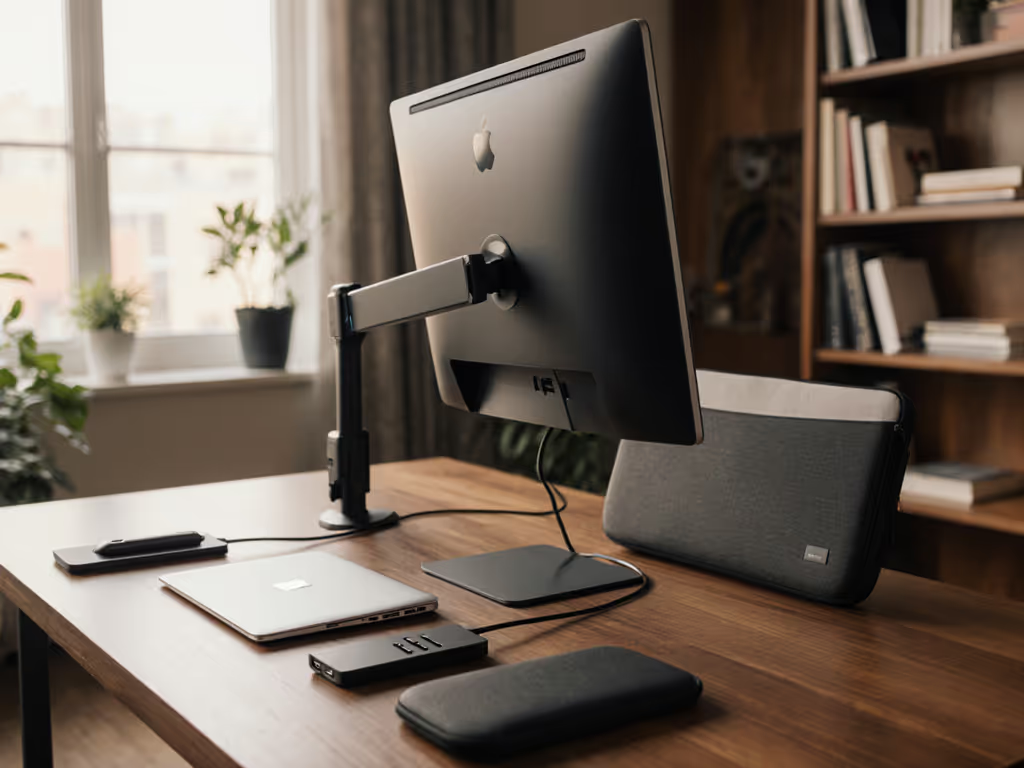
Verified total cost: Power strip ($20-$30) + cable sleeves/trays (~$15-$25) + 2 × 2m DP cables + 1 × adapter + clamp-on cable organizer ≈ $50-$70. For layout examples and hidden routing options, see our desk cable management guide.
9. AI Rendering Performance Validation: Prompt Engineering Monitor Configuration
Once assembled, validate the prompt engineering monitor configuration before pushing production renders:
- Load test (5-10 min): Run a batch of 4 Midjourney prompts or Stable Diffusion generations. The primary monitor should hold 1440p/144Hz without dropped frames or EDID re-negotiation (black flashes).
- Color consistency check: Display a reference image (grayscale swatch, primary color ramp) on both monitors side-by-side; no visible hue/brightness drift.
- Thermal idle: After render, dock/GPU should cool to <40°C within 3 min; fans should quiet or off. Sustained thermal load indicates inadequate cooling or power delivery, not a monitor issue, but validate dock specs.
- Cable stress test: With the desk at full height, wiggle each cable entry; no signal dropout, no crackling in audio (if the dock carries USB audio).
Result: If all four pass, your setup is verified and modular, you can swap monitors or add a third later without re-vetting fundamentals.
10. Verified AI Creator Bundle: $450 Spec Summary & Upgrade Path
Foundation (Months 1-6)
| Component | Spec | Est. Cost |
|---|---|---|
| Primary Monitor | 27" 1440p 144Hz, VESA 100mm, ≤5.2 kg, ΔE ≤3 | $160-$180 |
| Secondary Monitor | 24" 1080p 60Hz, VESA 100mm, ≤3.8 kg | $100-$120 |
| Dual Monitor Arms | 2 × 5 kg @ 30 cm, gas spring, VESA swivel | $90-$130 |
| Dock | USB4/TB4, 90W PD, dual DP 1.4, 2 × USB 3.1 | $100-$120 |
| Cables & Accessories | 2 × DP 1.4, USB-C organizer, power strip | $40-$50 |
| Colorimeter & Profile | X-Rite i1Display Mini + Argyll CMS calibration | $50-$70 |
| TOTAL | $540-$650 |
To hit $450 hard cap: Source refurbished monitors (25-30% discount); use a single $70-$90 universal gas-spring arm instead of dual (compromise: less independent angle tuning); skip colorimeter initially, use manufacturer sRGB profiles + monitor OSD color temp dial.
Phase 2 Modular Upgrades (No Desk Rebuild)
- Add 3rd monitor (32" 1440p 60Hz for project library): Arm upgrade to heavy-duty single unit (can't split 3 monitors); cost ~$200-$250
- Swap laptop (M1 to M2, 13W to 45W TDP): Dock PD may need bump from 90W to 140W (~$50 upgrade)
- eGPU for Stable Diffusion local rendering: Requires 96W PD dock and separate 6A power supply (~$300-$500 total, but decoupled from monitor bundle)
Summary and Final Verdict
An AI content creator monitor bundle at $450 is achievable and verified when you prioritize specs over brand marketing. The formula: dual monitors (27" 1440p primary, 24" 1080p secondary), a gas-spring dual-arm mount rated for 10+ kg at full reach, DisplayPort 1.4 cables, a 90W+ USB-C dock, and measured color calibration.
This setup eliminates the three most common AI creator bottlenecks:
- Refresh-rate loss: 144Hz primary display keeps prompt iteration snappy; secondary preview holds reference without refresh waste.
- Wobble during rendering: Dual arms on a spreader bar damp micro-shakes better than single ultrawide arms, even on standing desks at full height.
- Color drift: Factory ΔE ≤3 + basic profiling ensures your generated images proof true; no surprise desaturation when uploaded.
If you're building from a bare desk, spec out the monitor arm first, weight, VESA, desk clamp depth, then source displays that fit, not the other way. A $400 monitor on a $60 arm that sags is a $400 mistake. A $150 monitor on a $100 vetted arm is a $250 win.
Budget the full $450; source via refurb where possible to extend into phase 2 (third monitor, GPU dock upgrade). Validate cable protocols before ordering, check your laptop's DP version and dock upstream bandwidth. Measure before clamping, and within 3 months, you'll have a modular, future-proof workspace ready for AI art generation, video editing, or hybrid work without a single wobble, dropped frame, or return.
Related Articles