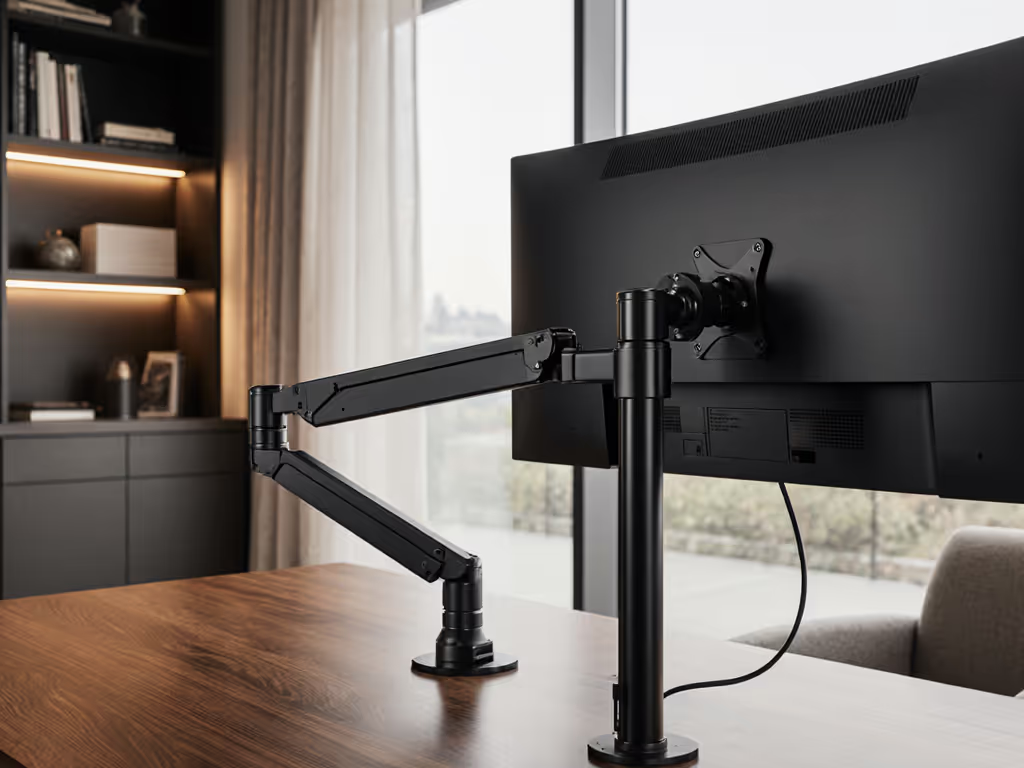
The Hidden Physics of High-End Displays: Why Mounting Matters as Much as the Panel
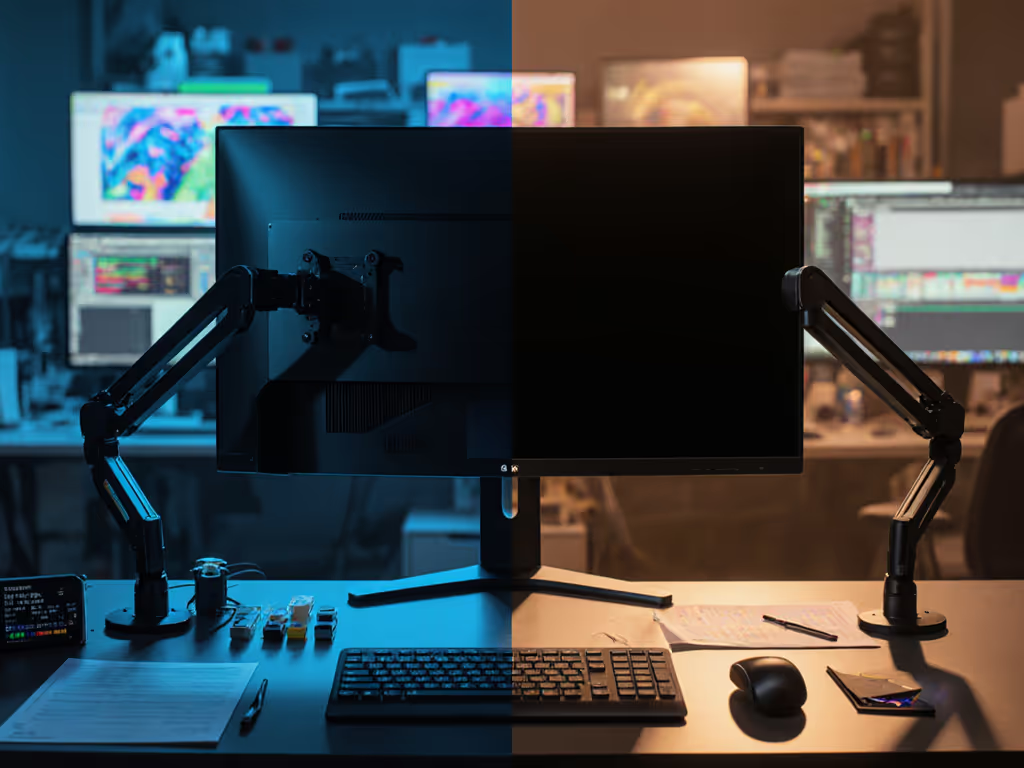
When you're comparing MicroLED vs OLED mounting requirements for your professional workstation, you're not just choosing between display technologies, you're making a decision that affects your entire workflow for years to come. The difference between a rock-solid setup and constant frustration often comes down to weight distribution, thermal management, and stability at the pixel level. Professional display stability isn't a luxury feature, it's the foundation of color accuracy, ergonomic comfort, and long-term value. I've seen too many professionals invest heavily in cutting-edge displays only to undermine their investment with inadequate mounting solutions. The cheapest setup is the one you don't replace, and that begins with understanding how display technology impacts your mounting requirements.
Understanding the Material Science Behind Weight Differences
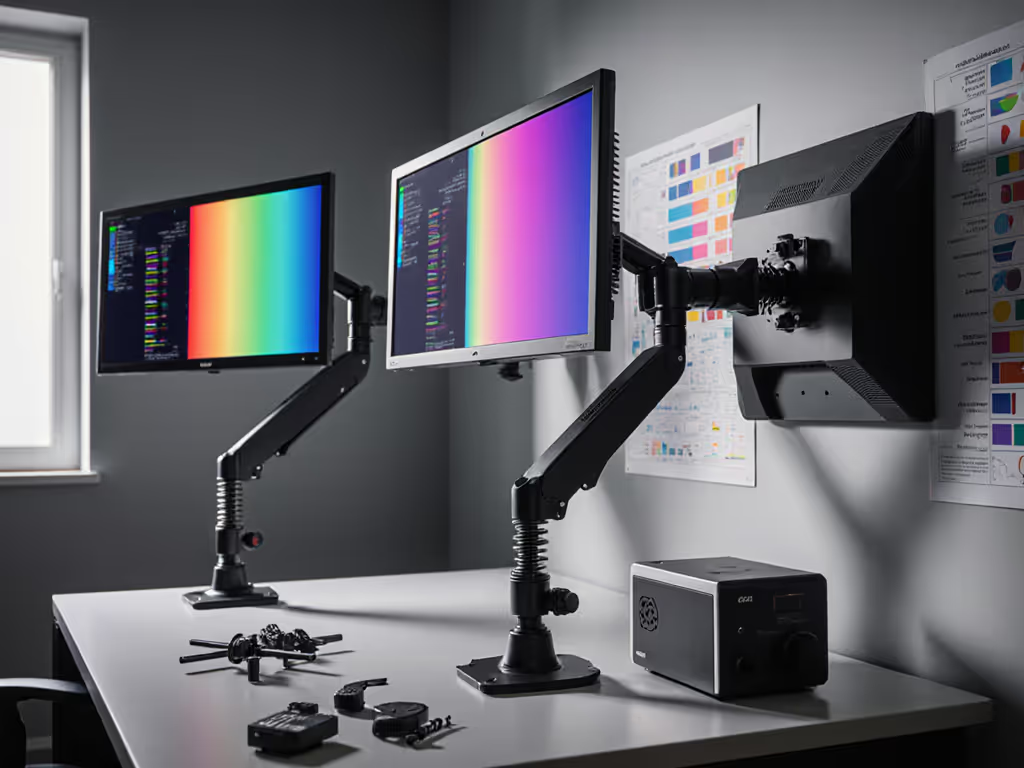
MicroLED and OLED displays differ fundamentally in their construction, which directly impacts weight, center of gravity, and mounting stresses. OLED panels use organic compounds that emit light when electricity passes through them, allowing for incredibly thin, flexible designs. MicroLED, by contrast, employs microscopic inorganic LEDs as individual pixels, each one a self-contained semiconductor structure. This fundamental difference creates distinct weight profiles. Before choosing an arm, verify your VESA pattern to ensure hardware compatibility with heavier panels.
While OLED displays typically weigh 15-25% less than comparable-sized MicroLED panels due to their simpler layered construction, this weight difference tells only half the story. MicroLED weight distribution follows a different pattern because the inorganic LED array sits atop a rigid backplane with integrated driver circuits. This creates a higher center of gravity that places different stress on mounting hardware. OLED's more uniform weight distribution allows for simpler mounting solutions, while MicroLED demands mounts that accommodate its top-heavy nature without compromising stability.
The cheapest setup is the one you don't replace. Buy for the hinge, not the hype.
Thermal Management: The Silent Mount Killer
High-performance displays generate significant heat, and how that heat dissipates directly impacts your mounting hardware's longevity. Heat dissipation requirements differ substantially between technologies. OLED panels run cooler at standard brightness levels but experience accelerated degradation when pushed to high brightness, especially with static content. MicroLED maintains consistent performance at much higher brightness levels (1,000+ nits versus OLED's typical 600-800 nits for consumer models), but this thermal advantage comes with engineering trade-offs.
MicroLED's higher sustained brightness generates more heat across the entire panel surface. This thermal load transfers through the VESA mount to your arm or stand, potentially causing: Regularly tune arm tension to prevent heat-cycle drift; see our monitor arm maintenance guide.
- Thermal expansion/contraction stress on mounting hardware
- Accelerated lubricant breakdown in tilt/swivel mechanisms
- Warping of plastic components in cheaper mounts
- Increased vibration sensitivity during operation
I once saved money on a bargain arm for a midweight 27-inch. Three months later, the tilt joint drifted, and re-tightening chewed the screw head. The monitor's heat cycling had degraded the mount's internal components faster than anticipated. This experience taught me to model thermal loads alongside weight specifications, a critical step many professionals overlook when selecting mounting solutions.
Pixel-Level Precision: Why Mount Stability Affects Image Quality
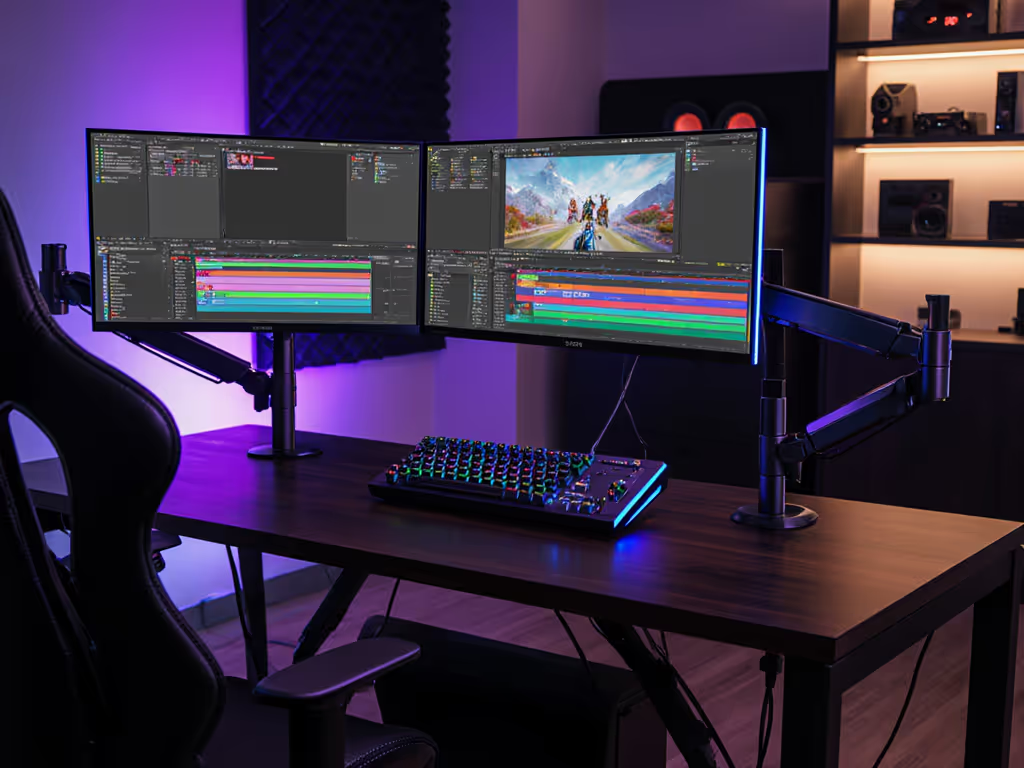
For color-critical professionals, pixel-level color accuracy mounts aren't just marketing fluff, they're essential for maintaining calibration integrity. Vibrations as small as 0.1mm can compromise color accuracy during measurement and profiling. MicroLED's superior brightness stability (maintaining consistent output over 100,000+ hours versus OLED's 30,000-50,000 hours) means it delivers more consistent performance over time, but only if the mounting solution provides absolute stability.
Consider these mounting factors that directly impact pixel-level performance: For mechanism choice, compare gas spring vs counterbalance arms to minimize drift during calibration.
- Mounting bolt torque specifications: Overtightening can warp display housings, affecting panel alignment
- Vibration damping: Steel-reinforced mounts with internal damping materials reduce micro-vibrations from typing or desk movement
- Material compatibility: Aluminum mounts conduct heat differently than steel, affecting thermal equilibrium
- Adjustment mechanism precision: High-end gas-spring mechanisms maintain position without drift, critical for measurement workflows
OLED displays with their flexible organic compounds can tolerate minor vibrations better than MicroLED's rigid pixel array. However, MicroLED's immunity to burn-in makes it preferable for studios requiring static UI elements or color bars visible for extended periods, a factor that must be balanced against its more demanding mounting requirements.
High-Brightness Stability: The Performance Ceiling You Can't Ignore
When evaluating high-brightness display stability, MicroLED's advantages come with mounting complications. A MicroLED panel operating at 1500+ nits (common in professional and commercial applications) generates significantly more heat than an OLED running at 600 nits. This thermal load couples with the panel's weight to create complex stress patterns on mounting hardware.
The relationship between brightness, heat, and stability follows a non-linear curve:
- At 500 nits: Minimal thermal impact on most quality mounts
- At 1000 nits: Noticeable thermal expansion affecting tilt/swivel mechanisms
- At 1500+ nits: Sufficient thermal load to accelerate wear in subpar mounts
Long-term testing shows that mounts rated for MicroLED's nominal weight often fail prematurely when the display operates consistently at high brightness. This thermal fatigue occurs because manufacturers typically specify weight capacity at room temperature, not under thermal load conditions. If you're comparing other high-output panels, see our OLED vs Mini-LED mounts guide for heat and weight nuances. For professionals using MicroLED at its performance zenith, this means selecting mounts rated for 20-30% more weight than the display's specification, a crucial detail often omitted from product documentation.
Tiered Recommendations: Matching Mounts to Display Technology
Your mounting solution should reflect your display's technology, usage patterns, and professional requirements. Here's my pragmatic framework based on modeling total cost of ownership across dozens of professional setups:
Entry Professional (Casual Color Work, Mixed Usage)
- For OLED: Mounts rated 20% above display weight with basic gas spring mechanisms
- For MicroLED: Mounts rated 30% above display weight with reinforced joints
- Warranty caveat: Look for 5+ year coverage on pivotal points
- Price-to-performance ratio: $120-$180 range delivers best value for non-critical work
Mid-Tier Studio (Color-Critical Work, Daily Calibration)
- For OLED: Mounts with vibration damping and thermal management features
- For MicroLED: Industrial-grade mounts with heat-dissipating materials
- Warranty caveat: Lifetime coverage on pivotal mechanisms worth the premium
- Price-to-performance ratio: $200-$300 range where most professionals see optimal ROI
High-End Production (24/7 Operation, Precision Calibration)
- For both: Custom-engineered mounts with active thermal management
- Warranty caveat: Look for serviceable mechanisms with replaceable components
- Price-to-performance ratio: $400+ where operational continuity justifies investment
Simple ROI framing: A $250 mount that lasts 8 years costs $31/year, while a $120 mount replaced every 3 years costs $40/year, and that doesn't account for productivity losses during replacement.
The Long Game: Total Cost of Ownership Beyond Initial Price
When you model total cost of ownership for display mounting, the decision matrix shifts dramatically. A mounting solution that costs slightly more but accommodates your display's thermal profile, weight distribution, and operational requirements will outperform cheaper alternatives every time. MicroLED's superior longevity (100,000+ hours versus OLED's 30,000-50,000 hours) only delivers value if your mounting infrastructure can keep pace.
Consider these often-overlooked longevity factors: For coastal or tropical setups, follow our salt-air protection guide to prevent corrosion-driven failures.
- Material compatibility: Aluminum mounts may corrode when in contact with certain display housings over time
- Serviceability: Can worn components be replaced without replacing the entire mount?
- Upgrade paths: Will the mount accommodate next-generation panels with potentially different weight profiles?
- Environmental resilience: How do humidity and temperature fluctuations affect long-term stability?
Pay once for the hinge you'll never think about. That's not marketing, it's simple math backed by years of field data. I've mapped price against hinge design, materials, and warranties across dozens of models, and the pattern is clear: modest upfront investment in properly engineered mounting solutions pays compounding returns through reduced downtime, consistent performance, and eliminated replacement costs.
Avoid False Economies in Your Display Foundation
Your display mounting solution isn't just hardware, it's the foundation of your entire visual workflow. Choosing based solely on price tags while ignoring the engineering requirements of your specific display technology inevitably leads to frustration, compromised performance, and ultimately, higher costs. MicroLED's superior brightness stability and immunity to burn-in deliver exceptional value, but only when paired with mounting solutions that respect its thermal and weight characteristics.
As display technology advances, the margin for error in mounting solutions shrinks. The professionals who build truly reliable workstations understand that the cheapest component in their setup is the one that never fails, and that begins with recognizing how MicroLED and OLED technologies impose different physical demands on their supporting infrastructure.