Volumetric vs. 3D: Monitor Requirements Decoded
By Kai Moreno • 15th Feb
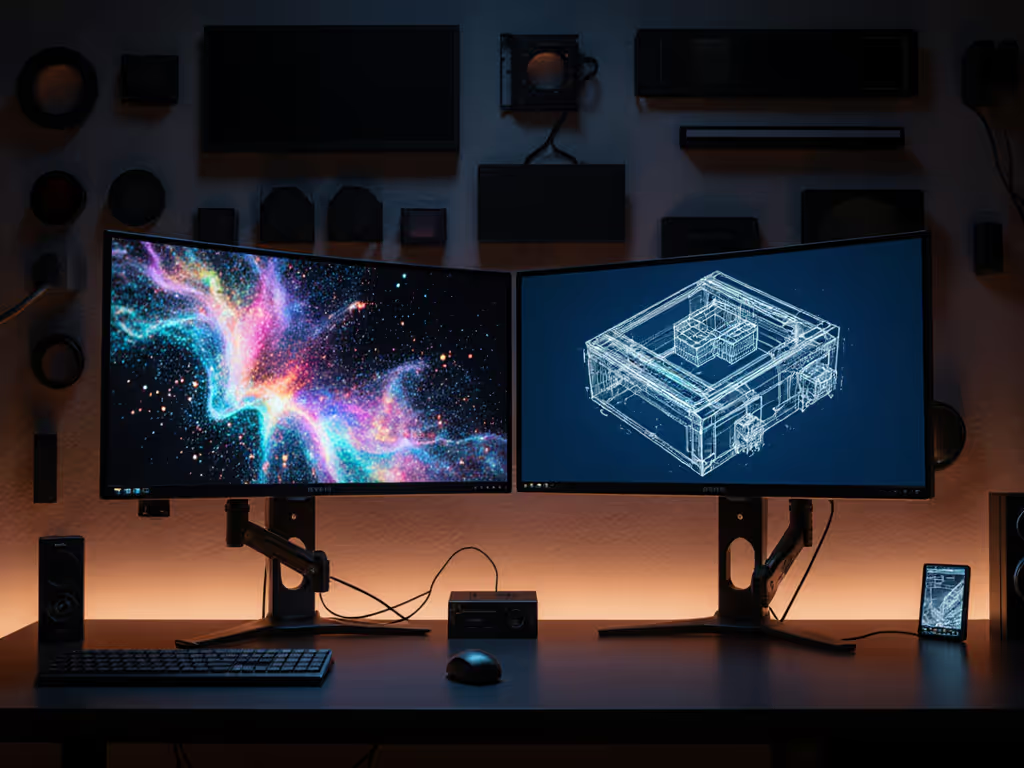
A volumetric video editing monitor setup and a traditional 3D spatial video workstation sound interchangeable, until you're deep in post and realize your display can't track depth data, compress point clouds, or render 6DoF metadata reliably. The distinction cuts deeper than terminology. Volumetric capture produces uncompressed point cloud data; 3D spatial video uses algorithmic depth estimation and traditional mesh rendering. Both demand specific monitor traits, but they diverge sharply in color depth, refresh behavior, and dynamic range handling. Understanding these gaps prevents expensive display choices that create bottlenecks you can't software around.
Understanding Volumetric Video Editing
Volume capture works like this: a camera array surrounding a subject captures 100+ angles simultaneously, producing a 3D point cloud: millions of spatial coordinates with color and depth metadata per frame. That data flows into editing systems where you manipulate depth positioning, compress for streaming (9-120 Mbps depending on scene complexity), and then review the result at near-broadcast quality. The monitor must handle these layers: the spatial representation (typically rendered as a mesh or patch-based mesh), the underlying point cloud (viewable in specialized software), and the final compressed format preview.
Unlike traditional video, volumetric workflows are bandwidth-intensive and geometry-sensitive. A dropped color channel in post-compression looks like a mesh tear. A monitor with poor 10-bit handling will compress the depth gradient and make spatial discontinuities invisible until delivery. Frame rate expectations also shift: volumetric content refreshes at 24-30 fps in most broadcast workflows, but preview monitoring must handle 60 fps playback to assess temporal compression artifacts smoothly.
Understanding 3D Spatial Video
3D spatial video is the inverse workflow. Rather than capturing volumetric data, it derives spatial information from stereo video pairs, depth maps, or AI-estimated disparity. Think depth-enhanced video for immersive headsets or holographic content creation displays, with spatial data baked into a traditional video stream via side-by-side or interlaced frames. Tools like Apple Vision Pro video or mixed-reality headset content start here. For workspace integration with headsets, see our VR/AR monitor accessories guide.
The monitor burden is different: you're evaluating color accuracy in each view (left and right channels), timing alignment between spatial layers, and whether parallax artifacts exist. Refresh rate matters, but for a different reason, you need frame-locked playback at 24-30 fps to catch temporal misalignment between depth and color.
Key Technical Divides
Color Depth & Bit Precision Volumetric workflows demand true 10-bit panels (or 8-bit + Frame Rate Control) to preserve smooth gradients in the depth channel during compression preview. Point cloud density rendering consumes 10-bit precision to separate spatial layers from color layers without banding artifacts. 3D spatial video, by contrast, often ships as compressed stereo pairs and may decompress cleanly on 8-bit displays, provided the monitor accurately separates left and right chroma planes.
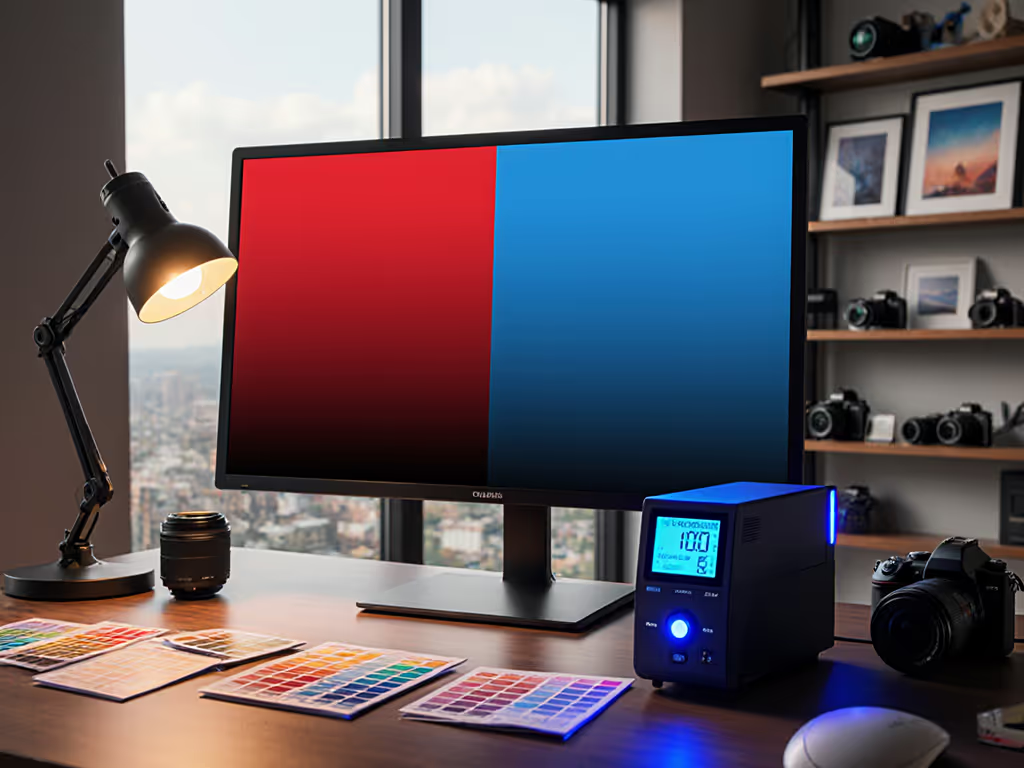
Color Gamut Requirements For volumetric capture, the standard is Rec.2020 or wider, this is a non-negotiable for downstream delivery to immersive platforms. A monitor covering at least 95% DCI-P3 and 100% Rec.709 works as a floor, but volumetric-grade displays should hit 99% DCI-P3 and approach Rec.2020 at 85%+ accuracy. 3D spatial video, when targeting headsets or consumer distribution, often normalizes to Rec.709 (sRGB), so a narrower gamut suffices for certain workflows, though premium spatial captures (cinema-grade) also demand Rec.2020.
Dynamic Range & Brightness Here, they converge. Volumetric content requires HDR capabilities because point cloud rendering often uses localized highlights to convey depth edges and surface detail. A monitor must support at least 400 cd/m² brightness to preview HDR volumetric meshes; true cinema-grade (Dolby Vision, HLG, or HDR10) work requires 1000 cd/m². For gear that ensures proper HDR performance, use our HDR monitor accessories checklist. 3D spatial video for immersive headsets also benefits from HDR. The spatial parallax becomes more convincing with dynamic range separation between foreground and background depth planes. Standard definition monitoring at 150 cd/m² is insufficient for either.
Contrast Ratio Volumetric workflows stress static contrast: a Grade 1 monitor (per EBU Tech 3320) guarantees 2000:1 contrast at full luminance, which is critical for separating point cloud edges from ambient renderers. 3D spatial video benefits from high contrast, but the emphasis shifts to simultaneous contrast, ensuring that parallax depth cues don't wash out in adjacent regions. A Grade 2 monitor (500:1) is often acceptable for spatial video review, but volumetric editing profits measurably from Grade 1 specs.
Monitoring Requirements: Side-by-Side
| Specification | Volumetric Capture Workflow | 3D Spatial Video Workflow |
|---|---|---|
| Color Depth | 10-bit (no FRC compression) | 8-bit + FRC acceptable; 10-bit preferred |
| Color Gamut | Rec.2020 ≥85%, DCI-P3 ≥99% | Rec.709 100%, DCI-P3 ≥95% |
| Brightness (SDR) | 150-200 cd/m² baseline | 150 cd/m² sufficient |
| Brightness (HDR) | 1000 cd/m² (cinema); 400 cd/m² (minimum) | 600-800 cd/m² (good parallax separation) |
| Static Contrast | Grade 1 (2000:1) | Grade 1 or 2 (500:1+) |
| Refresh Rate | 60 fps (artifact detection); 24-30 fps delivery playback | 60 fps (stereo sync check); 24-30 fps final delivery |
| Delta E (Color Accuracy) | <2 (for gradient preservation) | <5 (acceptable for stereo pair balance) |
| Input Protocol | SDI (for uncompressed 10-bit 4:2:2); DP 1.4 HBR3 (compressed) | DP 1.4 HBR3; HDMI 2.1 for stereo 1080p/120 |
Workflow Realities: Where Standards Diverge
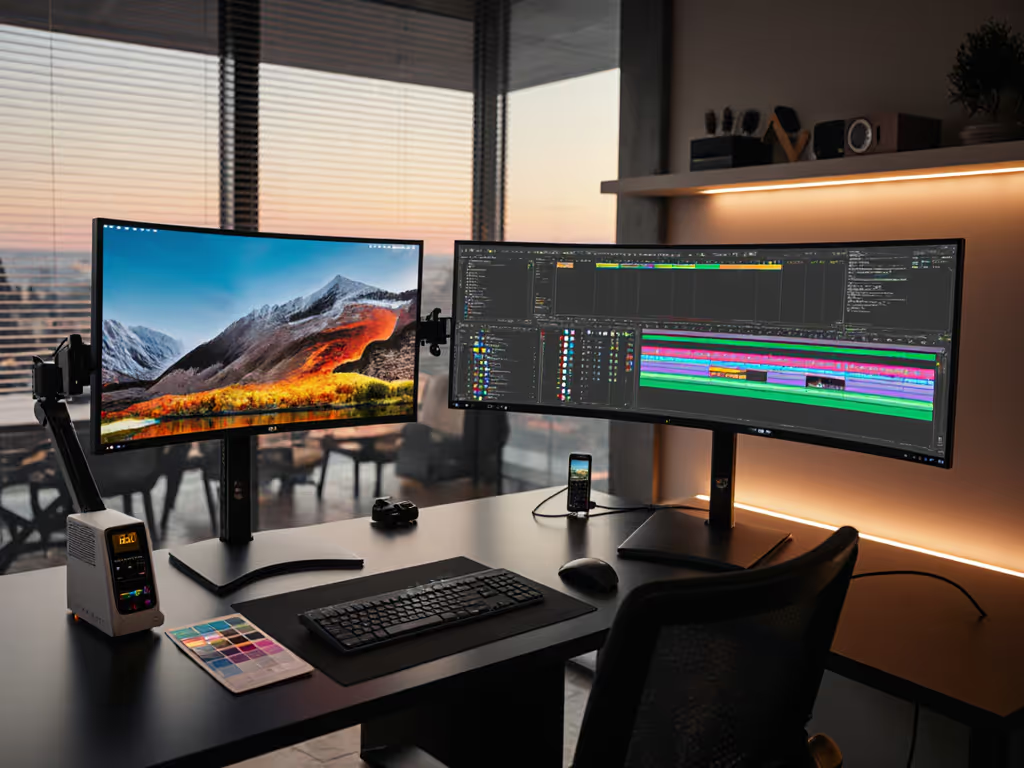
I learned a hard lesson early: I clamped a premium arm to a 49-inch curved panel without accounting for VESA offset and weight at full extension. The entire rig sagged and twisted, warping my point cloud preview. If you're running a 34- to 49-inch curved display, start with our ultrawide-stable monitor arms to avoid sag and torsion. Rebuilt the desk from specs outward, weight maps, torque tables, clearance, and the result was zero surprises and measured workflow improvements. That principle applies directly here.
For point cloud video editing, input protocols matter acutely. You're often working with uncompressed 10-bit 4:2:2 data or raw point cloud formats that demand SDI (Serial Digital Interface) or modern DP 1.4 HBR3 to sustain bandwidth. A traditional HDMI 2.0 port will bottleneck you to 4K/60 and 8-bit, fine for preview, insufficient for critical 6DoF editing where spatial precision is non-negotiable.
For holographic content creation displays, the workflow often begins with stereo capture or depth synthesis, flows through color grading (where Rec.709 suffices initially), then exports to headset formats. A narrower-gamut display works here because the final output normalizes to the headset's gamut. However, if your spatial video is cinema-grade (destined for spatial projection or premium streaming), you'll want the same Rec.2020 + HDR rig as volumetric.
Spec the desk, then the gear, never the other way around.
This holds true whether you're building a volumetric capture suite or a spatial video color room. A 4K Grade 1 monitor on a flimsy arm creates the illusion of precision. Volumetric review demands stable, non-vibrating geometry to spot rendering artifacts. Spatial video, especially when grading stereo pairs, needs rock-solid alignment. Color drift between left and right channels becomes apparent only under perfectly still conditions.
Actionable Checklist for Your Setup
For Volumetric Capture & Editing:
- Confirm 10-bit native color depth (no FRC). Request the panel's standard (IPS, VA) and overdrive behavior, FRC can induce flicker when reviewing compressed point cloud frames.
- Validate Rec.2020 coverage: Ask for measured data, not marketing percentage. Target ≥85% Rec.2020 as a minimum; ≥99% DCI-P3 is your baseline.
- Verify SDI connectivity or DP 1.4 HBR3 passthrough. If your editing suite runs uncompressed 4:2:2 data, SDI is non-negotiable.
- Test contrast ratio under volumetric mesh rendering. Request a Grade 1 specification or measured 2000:1 static contrast.
- Confirm brightness: 400 cd/m² minimum for HDR preview; 1000 cd/m² if you're monitoring Dolby Vision or cinema-grade output.
- Mount on a verified arm with published torque ratings and weight limits. Measure your desk depth, VESA pattern, and weight at full extension. Not sure about bolt patterns? See our visual VESA guide. No guesswork.
For 3D Spatial Video:
- 8-bit + FRC is acceptable if final delivery targets consumer headsets; upgrade to 10-bit if broadcasting or archiving at higher fidelity.
- Confirm 100% Rec.709 and 95%+ DCI-P3. Stereo monitoring (left/right channels) benefits from color uniformity, request uniformity specs (Delta Lv) if available.
- Brightness: 150-200 cd/m² for SDR grading; 600-800 cd/m² for HDR parallax preview.
- Frame-lock capability at 24 fps is useful for temporal stereo alignment testing. Refresh rates above 60 Hz provide headroom for artifact-free playback.
- DisplayPort 1.4 or HDMI 2.1 for dual stereo 1080p/120 or single 4K/60 output. Validate that your graphics card and cables support the bandwidth.
Conclusion: Alignment Over Aesthetics
Volumetric video editing and 3D spatial video sound adjacent until you're shopping. One demands Grade 1 precision, uncompressed 10-bit data, and SDI throughput. The other thrives on stereo accuracy, frame-locked refresh, and Rec.709 + DCI-P3 balance. A monitor that excels at volumetric mesh rendering may underwhelm for spatial grading, and vice versa. The key is defining your primary workflow first, then selecting a display that meets those exact specifications, not the other way around. A $3000 panel on a wobbly desk rig teaches you nothing except frustration. A $1500 Grade 1 monitor on a verified arm with known-good cables removes every excuse and leaves only data.
Related Articles