Outdoor Monitor Setup: Weatherproof Solutions for Sun Glare
By Ravi Patel • 31st Dec
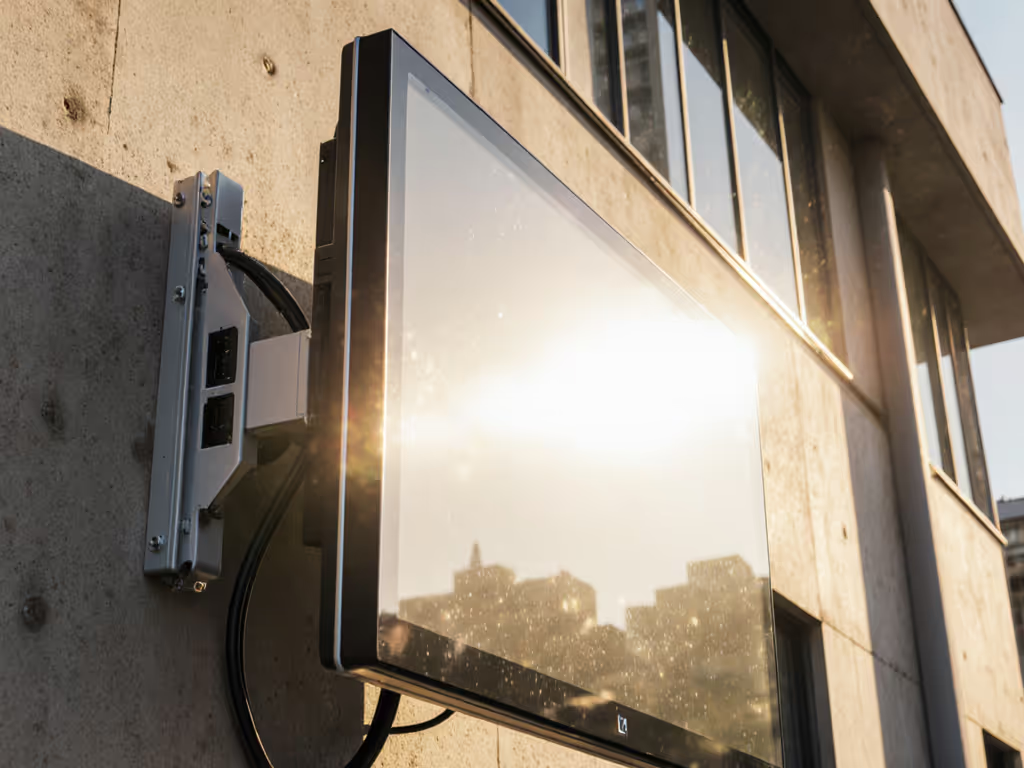
When you're designing an outdoor monitor setup, the biggest mistake isn't underestimating the elements (it's overestimating how much you'll save by cutting corners). I've seen countless professionals invest in what looked like affordable weather-resistant monitor solutions, only to replace them within months when sun glare, moisture, or temperature swings compromised their displays. As someone who models total cost of ownership for desk gear, I can tell you with absolute certainty: the cheapest setup is the one you don't replace. Buy for the hinge, not the hype.
1. Decoding Weatherproofing Ratings: Beyond IP and NEMA Numbers
Understanding what those ratings actually mean in practice is critical for your outdoor monitor setup. Many buyers assume "weatherproof" equals "water resistant," but the reality is far more nuanced.
The IP Rating Breakdown
IP (Ingress Protection) ratings have two digits that tell specific stories:
- First digit: Solid particle protection (0-6, where 6 is dust-tight)
- Second digit: Liquid protection (0-9, where 9K is high-pressure water jets)
For true outdoor resilience, you need at least IP65:
- IP65: Complete dust protection + water jets from any direction
- IP66: Same as above, but withstands powerful water jets
- IP67: Immersion up to 1 meter for 30 minutes
- IP68: Continuous immersion beyond 1 meter
NEMA ratings (common in North America) have similar but not identical standards. NEMA 4X specifically indicates protection against corrosion from water and ice, critical for coastal environments. Before choosing an enclosure or arm, review VESA mounting basics to guarantee bolt pattern and hardware compatibility outdoors.
What the Numbers Don't Tell You
Manufacturers conveniently omit that IP67 ratings only apply when the monitor is powered off. When operational and generating heat, the seals can degrade faster. Always factor in 20% reduced protection during active use. It's why I mapped price against hinge design, materials, and warranties across dozens of models, eventually learning that spending slightly more once has cost me far less ever since.
2. Sun Glare Reduction for Outdoor Monitors: The Brightness Factor
Nits vs. Reality
"Sunlight readable" is marketing speak for displays with 1,000+ nits brightness, but you need context:
- 700 nits: Bright indoor office
- 1,000 nits: Overcast day visibility
- 1,500-2,000 nits: Partial sun visibility
- 2,500+ nits: Direct sunlight readability
Don't trust manufacturer "peak brightness" claims, instead look for sustained brightness ratings. Many displays throttle after 30 minutes in direct sun, causing visibility to drop 30-50%.
Optical Bonding: The Hidden Game-Changer
Optically bonded displays eliminate the air gap between the LCD panel and cover glass, reducing internal reflections by 70-80%. This isn't just about glare reduction (it prevents condensation between layers that can permanently damage your display). This single feature often accounts for 40% of the price difference between consumer and true outdoor monitors. In partial shade or color-critical work, a monitor hood can further cut glare without relying solely on extreme brightness.
3. Structural Integrity: Your Mounting System's Hidden Vulnerability
Weight Distribution Matters More Than You Think
Outdoor monitors often require thicker glass or additional protective layers, adding 15-25% more weight than standard displays. Most standard monitor arms fail within 6-12 months when supporting these heavier outdoor units.
When evaluating mounting options, consider:
- Actual weight capacity (not just "up to" claims)
- Center of gravity limits for larger displays
- Material corrosion resistance (marine-grade aluminum vs. standard steel)
Pay once for the hinge you'll never think about.
I once saved money on a bargain arm for a midweight 27-inch. Three months later, the tilt joint drifted, and re-tightening chewed the screw head. The repair cost exceeded what a proper outdoor-rated arm would have cost initially. To prevent sag and joint wear outdoors, follow our monitor arm maintenance guide for correct tensioning and corrosion checks.
4. Temperature Management: The Silent Killer of Outdoor Displays
Operating Range vs. Survival Range
Manufacturers often quote "survival" temperature ranges (can survive storage at -40°C to 70°C) rather than "operational" ranges (can function at -20°C to 50°C). This 20-degree gap is where most outdoor monitors fail prematurely.
The Cooling Conundrum
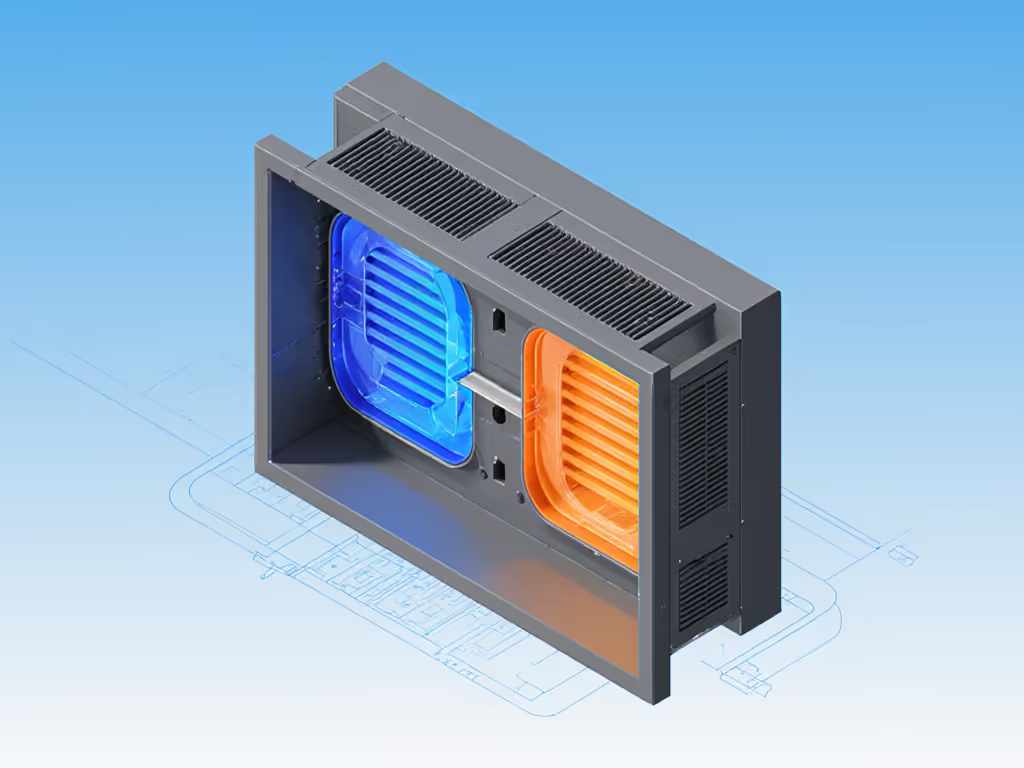
Sealed outdoor displays face a paradox: they need ventilation to prevent overheating but can't have vents that compromise weatherproofing. Look for models with:
- Thermally managed airflow (not just passive vents)
- Heating elements for sub-zero operation
- No internal fans (fanless designs last 3x longer in dusty environments)
5. Warranty Caveats: The Cost of Ignoring Fine Print
Outdoor Use Voiding Standard Warranties
This is the hidden trap: many displays advertise IP65 ratings but explicitly void warranties when used outdoors. Always verify warranty terms cover:
- Continuous outdoor operation (not just "occasional use")
- Temperature extremes within your climate zone
- Humidity exposure (especially relevant for coastal areas)
The Replacement Cost Calculation
Consider this price-to-performance ratio: a $1,200 outdoor-rated display with 5-year warranty vs. replacing three $600 indoor displays annually. The math is undeniable, $1,200 once versus $1,800+ over three years with constant downtime.
6. Portable Outdoor Workstation Considerations
Mobility vs. Durability Trade-offs
For field workers needing a portable outdoor workstation, standard outdoor monitors become impractical. Instead, consider:
- Temporary weatherproof enclosures for standard displays
- Rugged tablet solutions with 1,000+ nit screens
- Modular mounting systems that can be quickly deployed and secured
Outdoor Workspace Ergonomics on the Go
Don't sacrifice outdoor workspace ergonomics for mobility. Even temporary setups need:
- Adjustable height (minimum 12" range)
- Glare management through positioning
- Stable mounting to prevent vibration-induced eye strain
7. Building Your Tiered Recommendation Path
The Three-Tier Approach
Rather than chasing the "perfect" solution, build a modular path that grows with your needs:
- Basic Protection: Weatherproof enclosure for standard display ($500-$800)
- Best for occasional use (2-3 hours/day)
- 6-12 month lifespan before degradation
- Mid-Range Solution: IP65-rated display with 1,500 nits ($1,000-$1,800)
- Suitable for regular use (4-6 hours/day)
- 2-3 year lifespan with proper maintenance
- Professional Grade: IP67/NEMA 4X with 2,500+ nits ($2,000-$4,000)
- Built for continuous 24/7 operation
- 5+ year lifespan with minimal maintenance
Simple ROI Framing for Decision Makers
Rather than focusing on upfront cost, calculate:
(Annual replacement cost × expected failures) + (downtime cost × hours lost) = true annual cost
This approach consistently reveals that professional-grade solutions pay for themselves within 18-24 months through reduced replacements and downtime. For decision-makers, see how mounts translate into measurable gains in our monitor arm productivity metrics.
Final Thoughts: Beyond the Spec Sheet
When building your outdoor monitor setup, treat weatherproofing as a systems problem, not just a display specification. The solution must integrate seamlessly with your mounting, viewing environment, and operational needs. Buy for mechanisms, not marketing.
For further exploration, I recommend comparing manufacturer documentation on thermal management systems and warranty coverage specifics (not just the headline IP ratings). The true differentiators appear in the details engineers bury in appendixes, not the marketing brochures. When you understand these nuances, you'll consistently select weather-resistant monitor solutions that deliver maximum lifetime value rather than false economies.
Related Articles