Ergonomic Night Shift Monitor Setup for Better Sleep
By Mina Okafor • 5th Dec
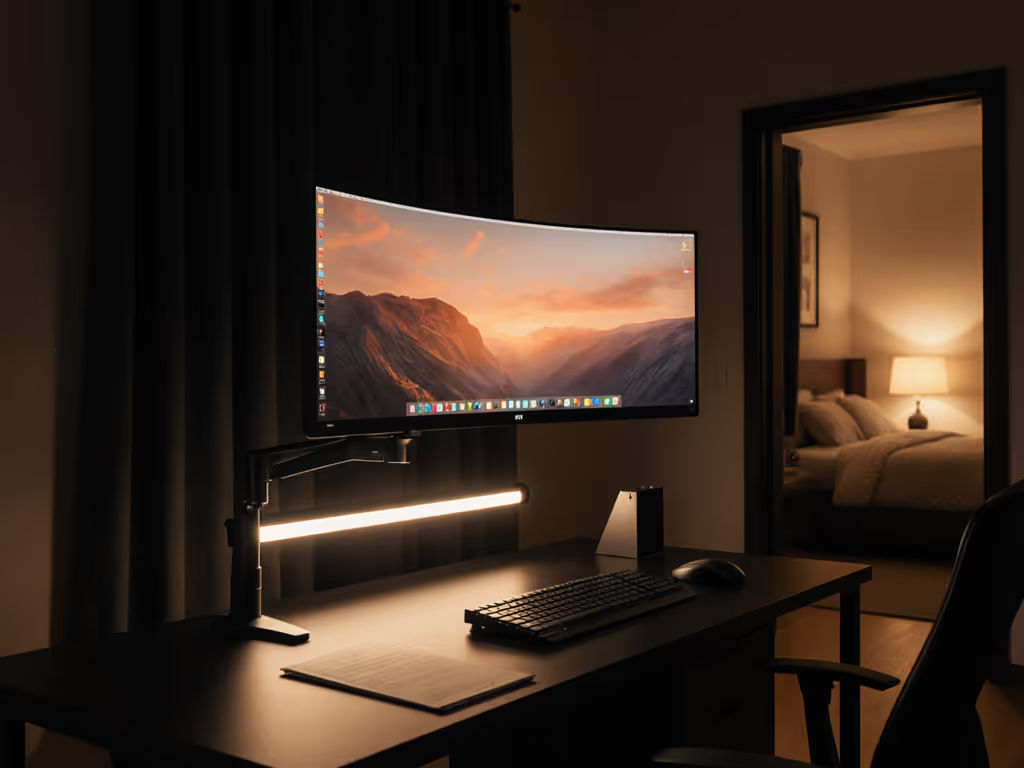
Working through the night presents unique ergonomic challenges that impact both your immediate comfort and long-term sleep quality. As a human factors practitioner who aligns screens with bodies, I've seen how a thoughtful night shift monitor setup can transform your workflow and recovery time. The most profound improvements often come from something as simple as blue light management for night work, which directly affects circadian rhythm monitoring and overall visual comfort. Comfort is a performance spec, and when you optimize your workspace, good ergonomics compounds your attention and accuracy throughout those critical night hours.
Early in my career, I inherited a chaotic workstation with mismatched monitors stacked too high. By week two, my neck ached and my workflow slowed. Repositioning around neutral posture (considering arm weight, focal distance, and reach arcs) restored both comfort and speed. Now I approach every night shift setup with bodies first, hardware second.
Step 1: Understand Your Circadian Rhythm Needs
Your body's internal clock operates on a 24-hour cycle that regulates sleep-wake patterns. When working nights, you're essentially asking your system to reverse its natural rhythm. During evening hours, your pineal gland normally begins producing melatonin (the sleep hormone) in response to decreasing light levels.
For night shift workers specifically, the conflict arises when:
- You're exposed to bright, cool-toned light (which suppresses melatonin)
- Your screen becomes the primary light source in an otherwise dark environment
- There's no natural transition from daylight to darkness
This is where intentional circadian rhythm monitoring becomes essential. Rather than fighting your biology, work with it through strategic lighting choices that support wakefulness during your shift while preparing your body for quality sleep afterward.
Comfort measured in millimeters beats power measured in watts.
Step 2: Position Your Monitor for Neutral Posture
Height and Distance Rules
Your monitor height should keep your eyes level with a point 2-3 inches (5-7.5 cm) below the top edge of your screen. This slight downward gaze angle reduces eye strain and encourages a relaxed neck position. For dual monitors, ensure both screens maintain the same height relationship to your eyes.
Measurement guide:
- Sit comfortably with feet flat on the floor
- Rest your elbows at 90 degrees on your desk
- Your eyes should naturally fall to that sweet spot 2-3 inches below the screen's top edge
- Maintain a viewing distance of 20-30 inches (50-75 cm) (about an arm's length)
Night-Specific Tilt Adjustments
During nighttime work, you may find yourself leaning forward as fatigue sets in. Counter this with a slight upward tilt of 10-15 degrees (rather than the standard downward tilt for daytime work). This subtle adjustment:
- Prevents you from craning your neck forward
- Keeps your jaw relaxed and aligned over your spine
- Reduces tension in your trapezius muscles
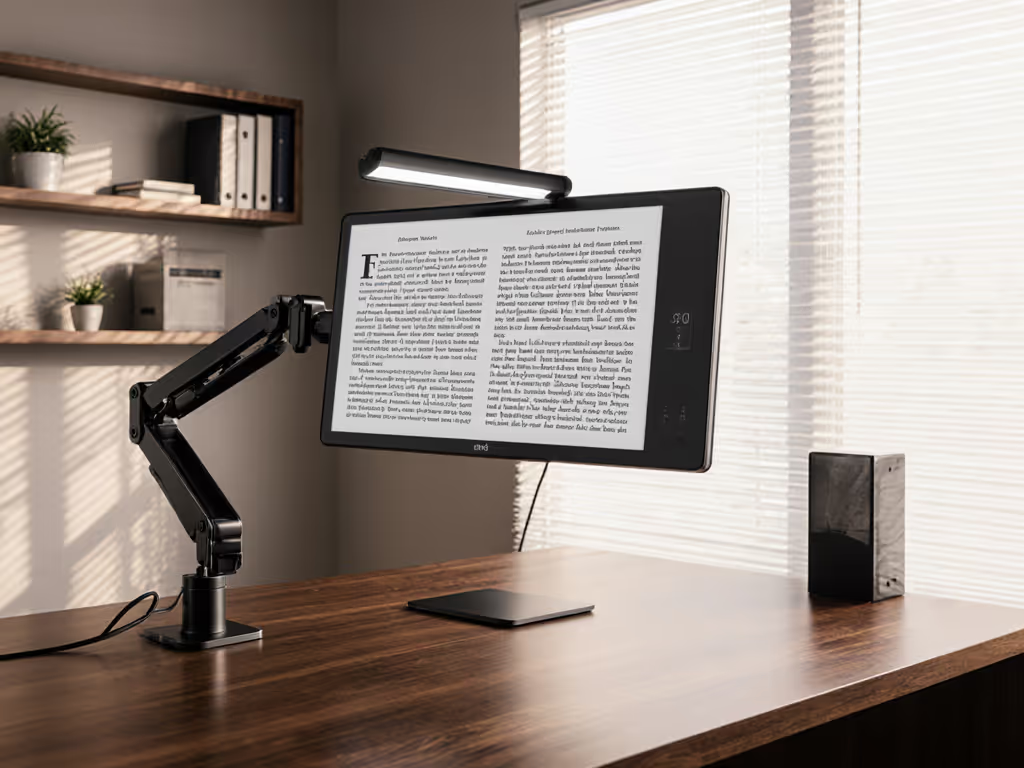
A monitor arm provides the flexibility needed for these precise adjustments. If you're using a fixed stand, consider stacking stable, non-slip platforms rather than makeshift solutions that compromise stability.
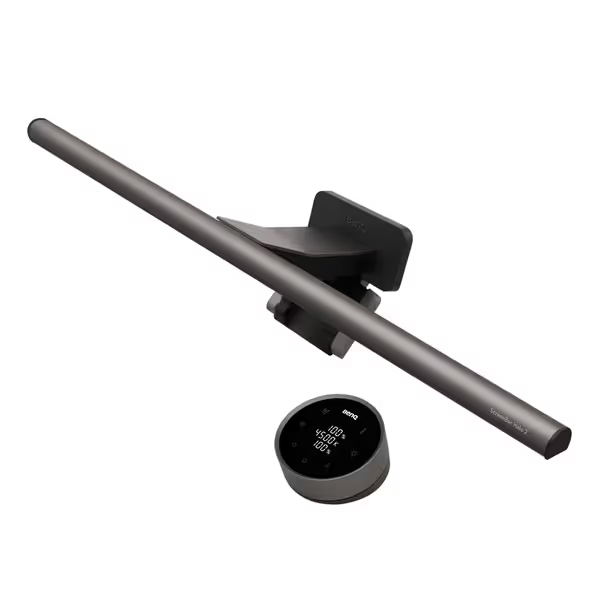
BenQ ScreenBar Halo 2
Eye-care light bar with backlight for ultimate visual comfort.
$179
Monitor Thickness0.17"-2.36" (Up to 1800R curved)
Monitor Thickness0.17"-2.36" (Up to 1800R curved)
Pros
Reduces eye strain with glare-free front and adjustable backlighting.
Wireless controller for easy brightness and color adjustments.
Auto on/off and "My Favorite" settings streamline use.
Cons
Higher price point than basic light bars.
Customers find the monitor light bar provides ample illumination and can be easily adjusted, with one noting it works well in dark rooms. The product is well-made, sleek, and easy to install, with minimal glare on the screen itself. They appreciate its functionality, with one mentioning it automatically turns on when needed. While some customers consider it worth the money, others find it expensive.
Customers find the monitor light bar provides ample illumination and can be easily adjusted, with one noting it works well in dark rooms. The product is well-made, sleek, and easy to install, with minimal glare on the screen itself. They appreciate its functionality, with one mentioning it automatically turns on when needed. While some customers consider it worth the money, others find it expensive.
Step 3: Implement Strategic Blue Light Management
Night Shift Mode Settings
All modern operating systems include built-in blue light reduction features, but most people don't optimize them properly for night work:
- Windows: Settings > System > Display > Night Light Settings (set to 4000K or warmer)
- macOS: System Preferences > Displays > Night Shift (set to 3400K or warmer)
- Linux: Use Redshift or NightLight
Set your transition period to begin 1-2 hours before your shift starts. Don't wait until you're already at your desk, your eyes need time to adjust.
Beyond Software: Hardware Solutions
For serious night shift workers, software solutions alone aren't enough. Consider these night mode accessories:
- Monitor hoods to reduce reflections from any ambient light
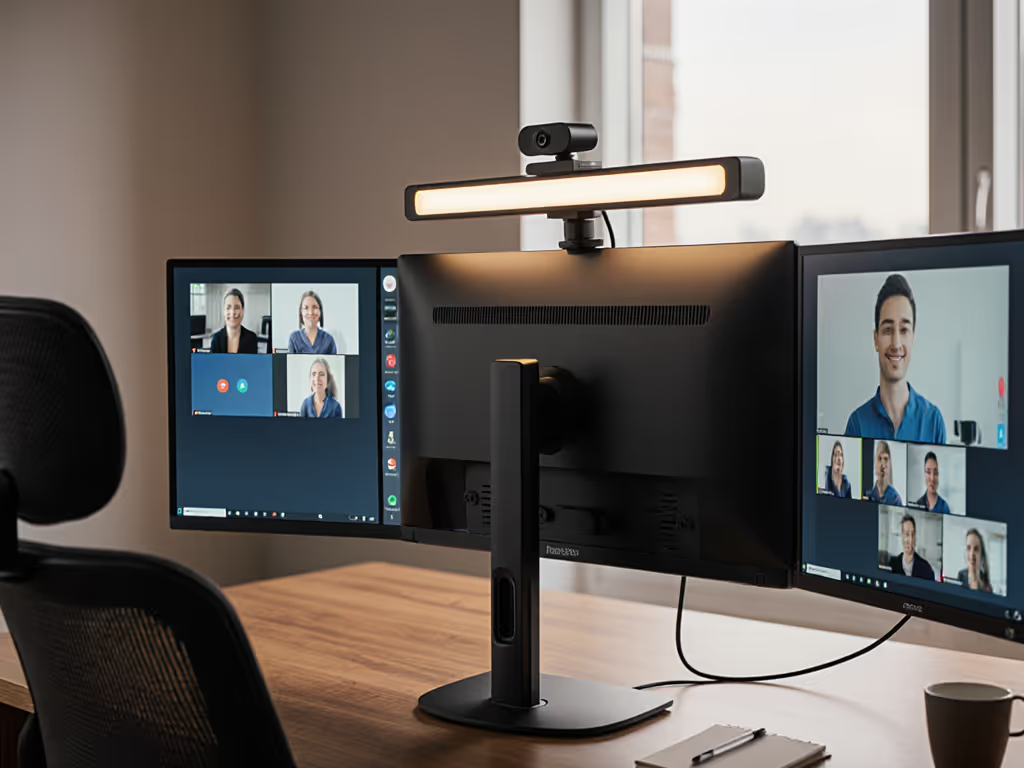
- External light bars with precise color temperature control (particularly useful for creating balanced ambient lighting)
- Blue-light filtering glasses with an amber tint (not just the standard computer glasses)
The right lighting balance creates what I call the "visual zone," a comfortable area where your eyes aren't straining between screen brightness and room darkness. For accessory ideas that directly reduce eye strain at night, see our eye health accessories guide. This is where low-light workspace ergonomics becomes critical for both performance and post-shift recovery.
Step 4: Optimize Ambient Lighting Conditions
The Critical Balance
Many night shift workers make the mistake of working in near-total darkness with only their screen for illumination. This extreme contrast forces your pupils to constantly adjust, causing eye fatigue that compounds over time.
Your ideal lighting setup includes:
- Indirect ambient lighting at 10-20% of normal office brightness
- Color temperature between 2700K-3400K (warm white to soft white)
- Even distribution without creating screen glare
Practical Implementation
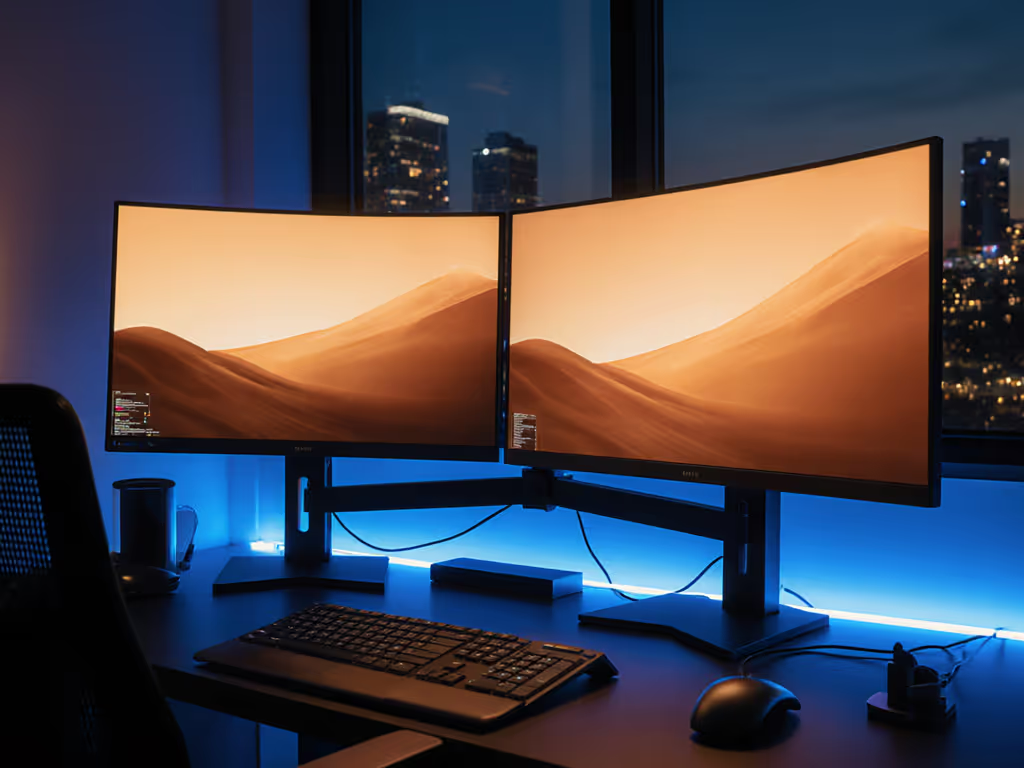
Place a dedicated task light behind your monitor, directed toward the wall rather than your screen. For a deeper dive into why backlighting reduces eye strain and improves perceived contrast, see our bias lighting benefits guide. This creates gentle backlighting that reduces contrast without causing reflections. The ambient light should be approximately 1/3 the brightness of your screen, a ratio confirmed by lighting ergonomics research to reduce visual strain.
Monitor brightness optimization means adjusting your screen to match this ambient level. A good test: if you can clearly see your keyboard without the ambient light, your screen is too bright. For most night shift setups, 30-50 nits is sufficient (compared to 200-300 nits for daytime work).
Step 5: Create a Transition Protocol for Sleep Preparation
Wind-Down Routine
Your ergonomic efforts shouldn't end when your shift does. Create a consistent transition protocol that signals to your body that work is finished:
- 30 minutes before shift end: Gradually increase screen warmth to 2700K
- 15 minutes before shift end: Reduce screen brightness to minimum comfortable level
- Immediately after shift: Take a 10-minute walk in dim outdoor light (if possible) to help reset your circadian rhythm
This structured approach to circadian rhythm monitoring supports better quality sleep by signaling to your body that it's time to produce melatonin.
Post-Shift Light Management
After your shift, avoid bright overhead lights. Use small, warm-toned lamps in your living space and consider blackout curtains for your bedroom. The goal is to create an environment that supports melatonin production without disrupting your household.
Small Adjustments, Big Outcomes
Your night shift monitor setup isn't just about comfort during work, it is about creating sustainable patterns that protect your sleep architecture. By implementing these five steps, you're not just optimizing for tonight's shift but investing in your long-term health and performance.
Remember that ergonomics for night work requires different considerations than standard daytime setups. Your eyes, neck, and circadian system all respond differently to working in darkness, and your workspace should reflect those unique needs.
Take your first action today: Before your next shift, spend 5 minutes adjusting your screen's color temperature and adding a single source of warm ambient light behind your monitor. Notice how this small change affects your eye comfort and focus during the first two hours of work. Track your observations for three shifts, you will likely see a meaningful difference in both your work performance and how you feel when it's time to sleep.
Small adjustments, big outcomes.
Related Articles