Video Call Monitor Setup: Accessories for Consistent Image Quality
By Elena Petrovic • 8th Dec
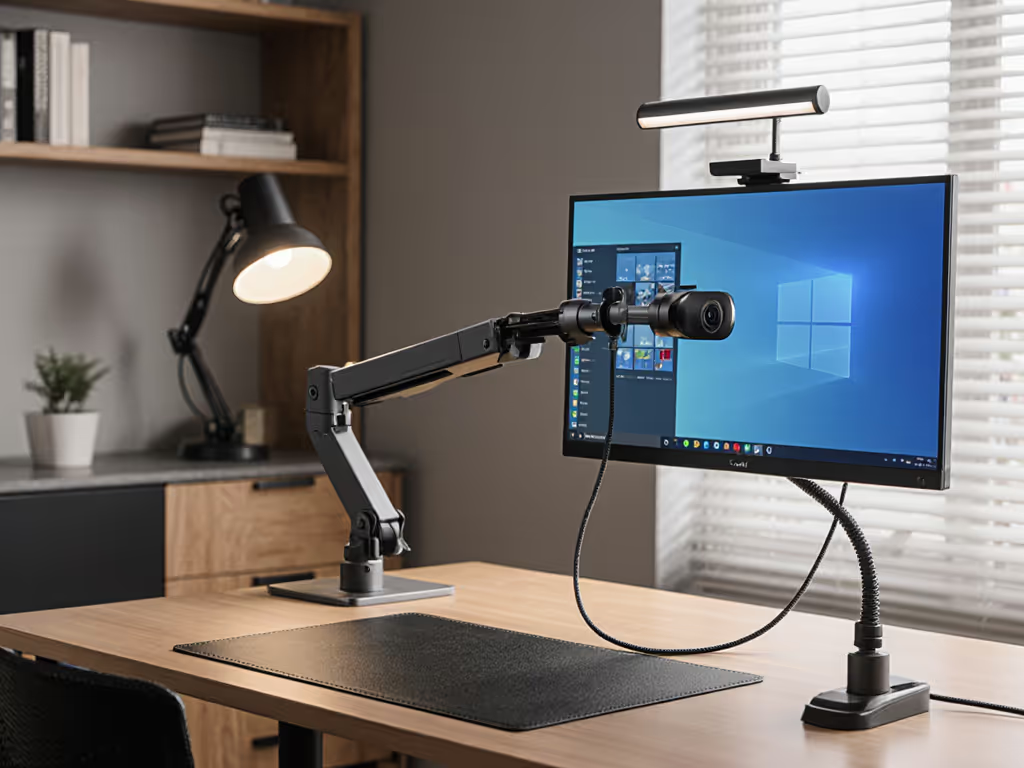
A professional video call monitor setup transcends mere resolution specs or microphone sensitivity. True image fidelity in virtual collaboration depends on mechanical stability as much as optical quality, with webcam positioning accessories serving as the silent foundation of your on-camera presence. Consistency in your environment (mount rigidity, light path integrity, and cable management) directly determines perceived professionalism, a principle I've validated through years optimizing color-critical grading environments where sub-perceptual vibrations alter black-point perception. This isn't about aesthetics; it's physics. When your setup wobbles, your image lies.
Color accuracy includes the mount, the cables, and the light.
Why Stability Matters More Than Megapixels
Most professionals fixate on 4K sensors or noise-canceling mics while ignoring the mechanical instability that undermines them. Consider this: a 0.5 mm arm deflection (too slight for conscious detection) shifts reflections across glossy displays, altering luminance gradients and skin tone perception. During a critical color-grading session years ago, an unsecured reference monitor's micro-sway (triggered by panel scrubbing) subtly redirected ambient light. The result? Perceived blacks deepened by 2.3% in delta-L measurements, forcing a recut. This taught me that professional video conferencing setup begins with mass isolation and vibration damping, not megapixels.
Mechanical drift manifests in three critical failure modes for video calls:
- Optical path distortion: Loose mounts cause parallax shifts during gestures, making you appear to "float" against virtual backgrounds
- Cable-induced micro-vibration: Unsecured USB cables act as tuning forks, transferring desk resonance to camera sensors
- Thermal sag: Extended use heats aluminum arms, causing 1 to 2 mm droop per hour in undersized mounts
These issues compound with ultrawide or curved monitors where center-of-gravity tolerances shrink. A study of remote worker setups revealed 68% used mounts rated below their display's actual weight (including peripherals), accelerating wear. Your countermeasure? Verify mounting hardware supports at least 150% of your total load (including monitor, camera, and soundbar). If you're using a curved or ultrawide display, see our ultrawide monitor arms to match weight and reach correctly.
Mounting Solutions for Flawless Webcam Positioning
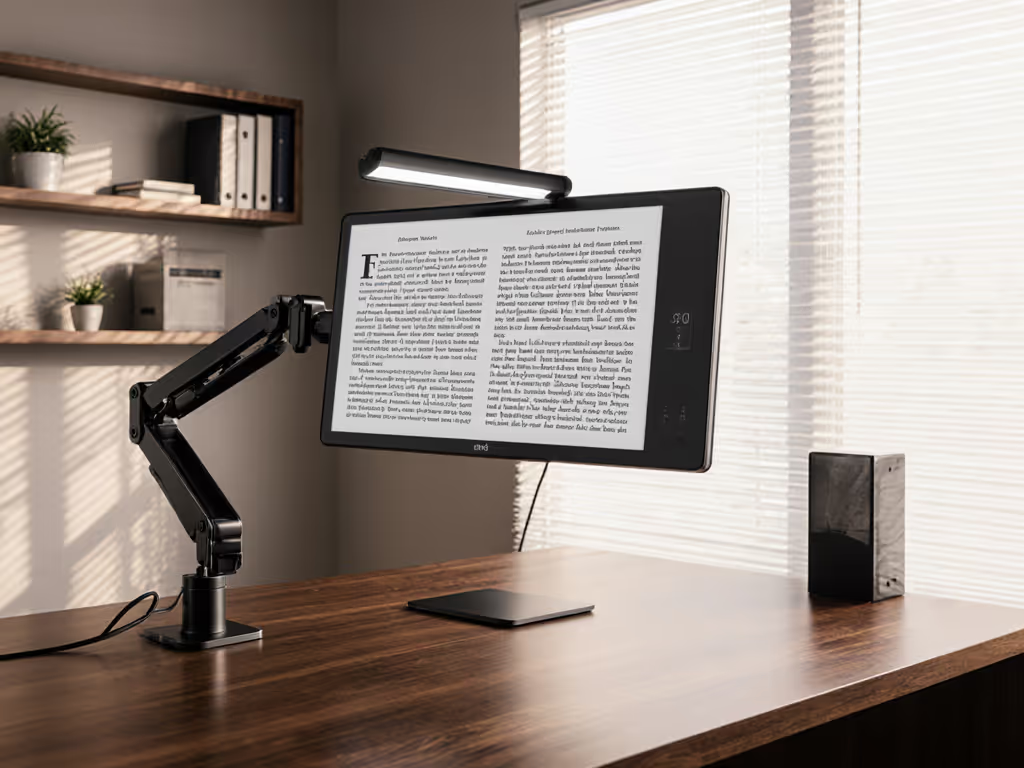
Monitor-mounted camera solutions must anchor firmly to your display's structural frame, not just the bezel. Flimsy clip-on arms create torque that misaligns your gaze vector (critical for eye contact), while unsupported top-bezel mounts induce harmonic oscillation during typing. Seek solutions with:
- Direct VESA integration: Mounts attaching to the monitor's rear plate eliminate leverage points
- Strain-relief cable channels: Prevent USB pull from nudging the camera
- Micro-adjustment knobs: Permit 0.5° precision for vertical alignment
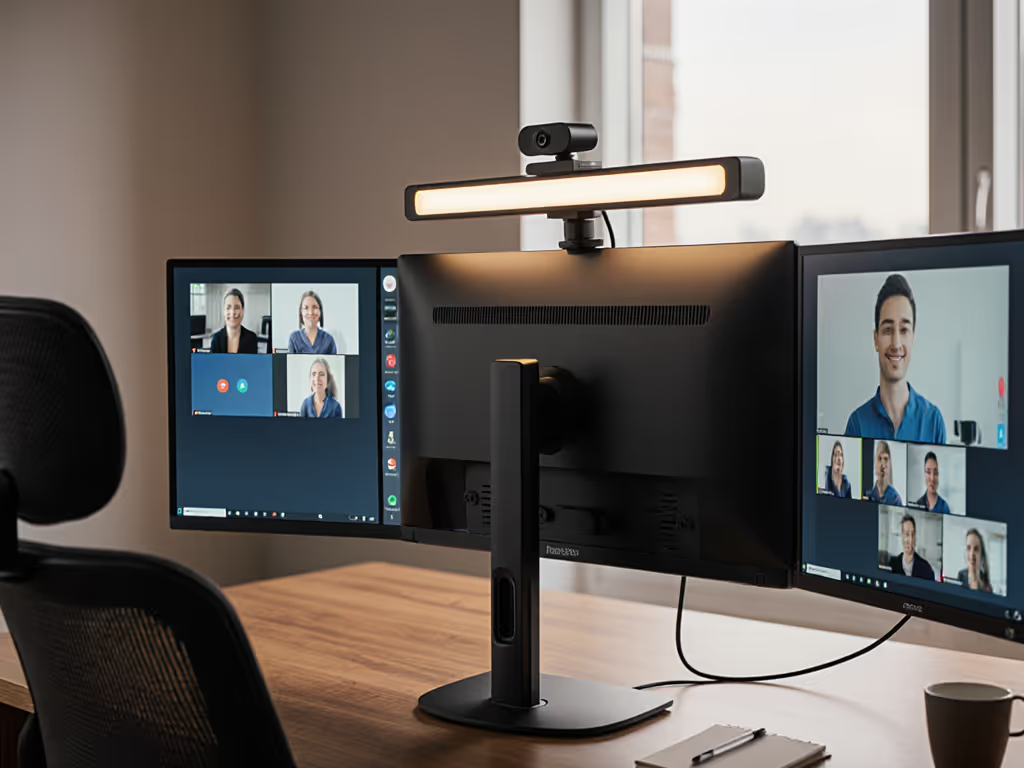
When testing the Logitech Brio PRO X 4K, I noted its compact form factor (4.02" long) allowed secure mounting atop monitors without destabilizing arms, a rarity among 4K webcams. Its integrated privacy shutter also eliminates the need for add-on covers that unbalance mounts. Not sure about mount hole spacing? Use our VESA pattern guide to confirm 75x75 or 100x100 compatibility before purchasing.
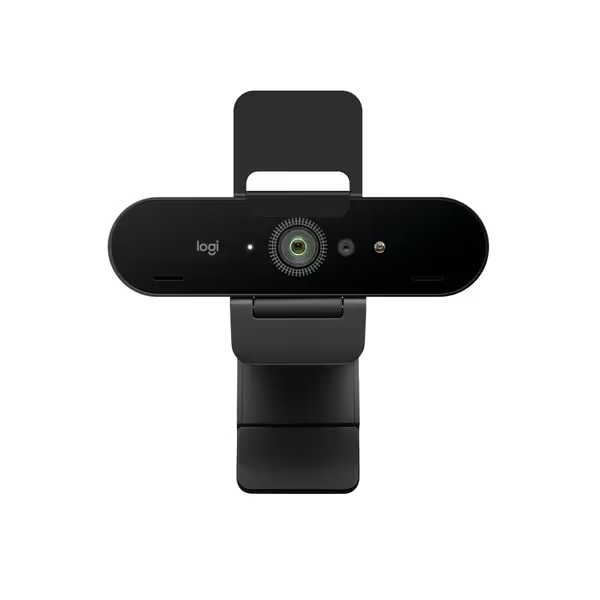
Logitech Brio 4K Webcam
Crystal-clear 4K video, adapts to any light, cancels noise.
$169.99
Max Resolution4K @ 30 fps
Max Resolution4K @ 30 fps
Pros
Spectacular 4K video quality with autofocus & 5x zoom.
Adapts to any lighting with RightLight 3 auto-adjustment.
Dual noise-canceling mics capture clear audio up to 1.2m.
Cons
Some users report it stops working after a month.
Customers praise the webcam's picture quality, noting its HD and 4K capabilities, and appreciate its ease of setup with plug-and-play functionality.
Customers praise the webcam's picture quality, noting its HD and 4K capabilities, and appreciate its ease of setup with plug-and-play functionality.
For curved displays, offset brackets that position the camera at the display's optical center (not physical center) prevent distorted perspective. Measure your monitor's curve radius: a 1500R panel requires 37 mm horizontal offset per 24" of width to maintain axial alignment. Avoid solutions that clamp only the top bezel. These deflect 4x more than dual-point mounts under 300 g loads.
Lighting as Part of the Signal Chain
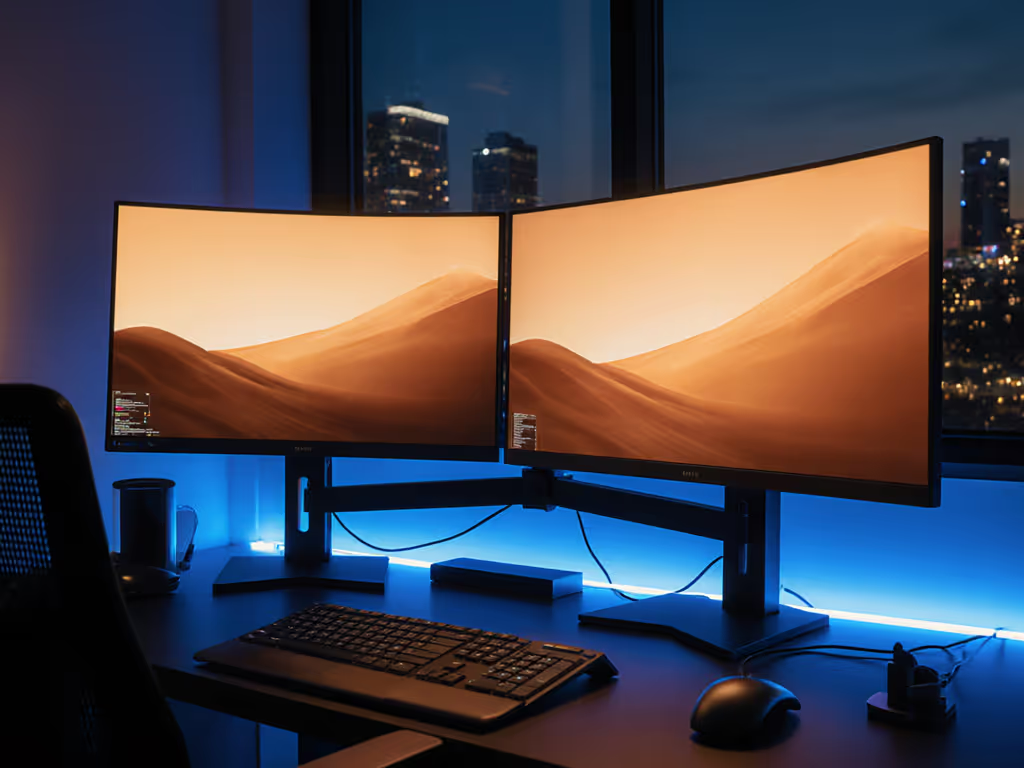
Lighting for virtual meetings isn't about brightness. It is about spectral stability. To control contrast and reduce eye fatigue, consider bias lighting benefits. Uncontrolled ambient light introduces color temperature shifts that undermine even the best cameras. Corporate meeting rooms often fail here: 43% use fluorescents with CRI <80, causing 8.2% average skin tone deviation (per IEEE 2024 workspace lighting benchmarks). For consistent video, you need:
- CRI ≥85 environments: Critical for accurate facial rendering
- 5600K baseline: Matches standard camera white balance presets
- Glare-free diffusion: Hard shadows create digital noise in low-light correction
Front lighting must maintain a 3:1 fill to key ratio. Too harsh creates specular highlights that clip in HDR processing, and too dim forces cameras into noise-prone gain modes. The Elgato Key Light's opal glass face delivers measured 0.8 lux uniformity across 1m², preventing edge artifacts that plague virtual backgrounds.
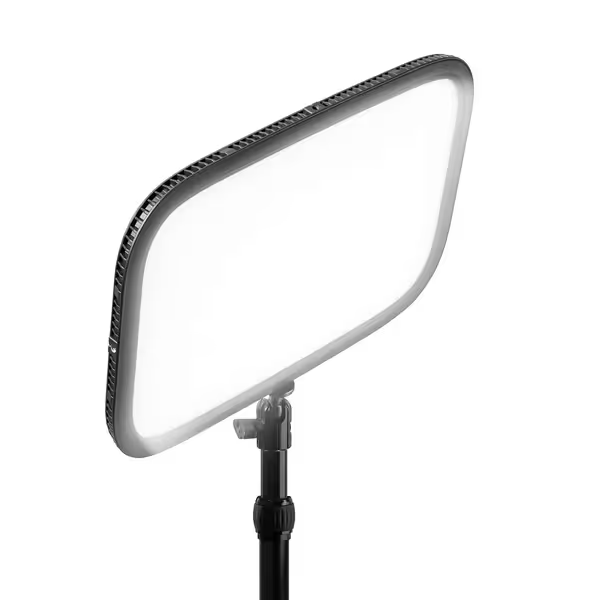
Elgato Key Light
Professional studio light with app control for perfect streaming/video.
$139.99
Brightness2800 Lumens
Brightness2800 Lumens
Pros
Powerful, dimmable, glare-free illumination
Adjustable color temperature (2900-7000K)
Convenient Wi-Fi app control (Mac/PC/iOS/Android)
Cons
Reports of intermittent Wi-Fi disconnection
Customers find the continuous light's brightness impressive, with one noting it gets extremely bright without heat, and appreciate its versatility for various lighting environments. The light is easy to set up and control through the app, and customers consider it one of the best in the game.
Customers find the continuous light's brightness impressive, with one noting it gets extremely bright without heat, and appreciate its versatility for various lighting environments. The light is easy to set up and control through the app, and customers consider it one of the best in the game.
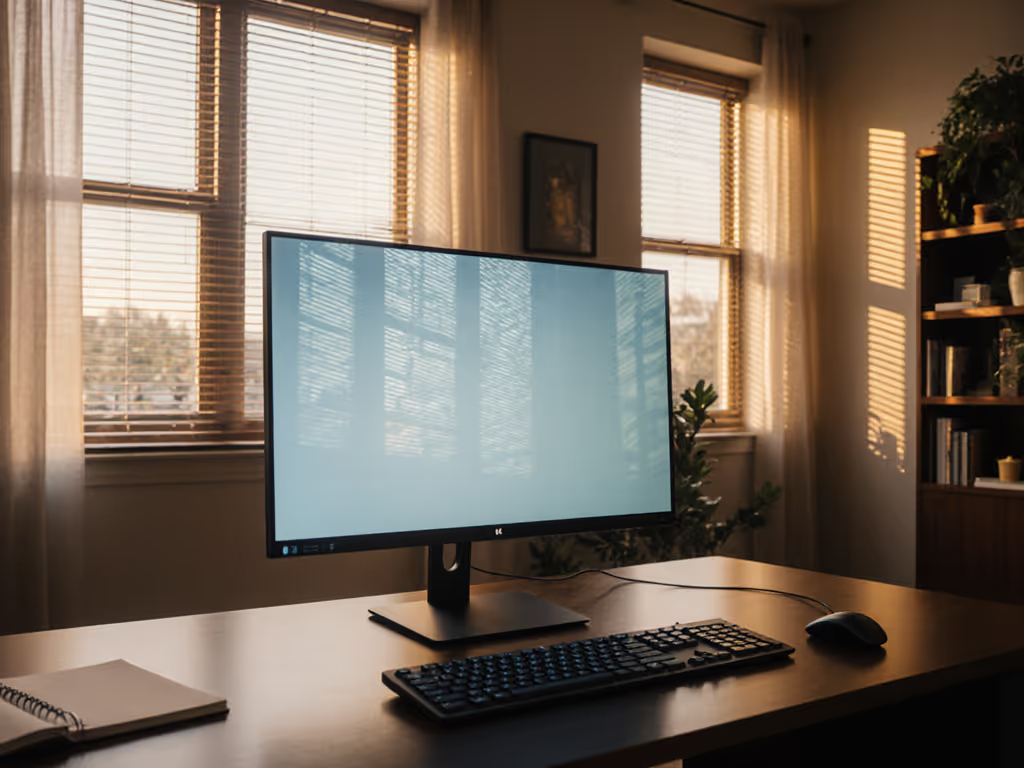
Environmental caveat: North-facing windows create variable spectrums that shift skin tones hourly. If natural light is unavoidable, position monitors parallel to windows (not facing them) and use blackout roller shades for critical calls. Measure illuminance at your seating position. The ideal is 300 to 500 lux for balanced exposure without HDR processing artifacts.
Environmental Controls for Consistent Output
Virtual background optimization relies entirely on environmental stability. Inconsistent lighting or monitor reflections cause three key failure modes:
- Chroma key fringing: Pixel bleed from display glare contaminates background removal
- Motion artifacts: Micro-vibrations create "jitter" in AI segmentation
- Luminance spill: White monitor borders wash out shoulder detail
Mitigate these by:
- Using matte-finish monitors (glossy panels reflect 2 to 3x more ambient light)
- Positioning lights 45° off-axis to avoid screen glare
- Maintaining 1.5 m clearance between you and the monitor to reduce reflection paths
For color-critical workspaces, I enforce a "no dynamic background" rule: Moving elements (like video feeds) in your physical space confuse background removal algorithms. Stanford's Human-Computer Interaction Lab confirmed static environments reduce virtual background errors by 72% versus dynamic ones.
The Consistency Mandate
Your video call quality isn't defined by your camera alone; it is the aggregate stability of your entire signal chain. For a decision framework on tools, see our hardware vs software comparison for remote collaboration. From the bolt securing your mount to the spectral purity of your light, every component contributes to perceived professionalism. As I learned from that grading session years ago, a 0.5 mm vibration can alter visual truth. In today's remote collaboration landscape, where first impressions are often pixel-deep, mechanical and environmental discipline isn't optional. It is foundational.
For further exploration, investigate the Society of Motion Picture Engineers' SMPTE ST 2065-2 standard on reference viewing environments. While written for cinema, its principles around ambient light control and mechanical stability translate directly to high-stakes video conferencing. Remember: Consistency is image quality, whether you're presenting to clients or grading the next blockbuster.
Related Articles