Pomodoro Monitor Setup: Your Focus-Optimized Display Guide
By Sofia Jimenez • 3rd Feb
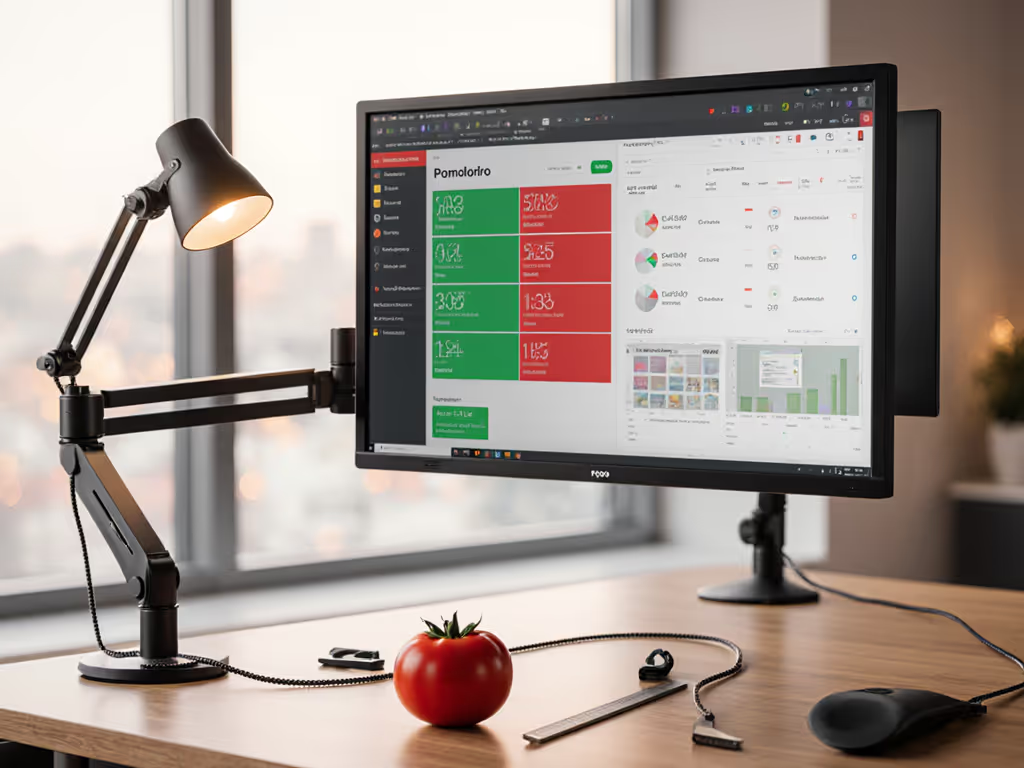
When you're implementing the Pomodoro Technique, your pomodoro monitor setup isn't just about the timer. It's about creating a focus-enhancing display configuration that supports your brain's natural rhythm. I've seen too many people skip the physical setup and wonder why their 25-minute focus sessions fail. The monitor that's too high, the glare that distracts, or the timer tucked away where you can't see it. These small mismatches derail your flow. My most expensive lesson was learning that free shipping costs triple when you're returning gear that doesn't play nice together. Start with a preflight, end with a first-time fit and watch your focus transform.
Why Your Monitor Setup Makes or Breaks Pomodoro Sessions
The Pomodoro Technique thrives on rhythm: 25 minutes of deep work followed by a 5-minute break. But if your monitor forces you to strain your neck, fight glare, or constantly adjust settings between sessions, you're wasting cognitive energy that should go toward your task. The ideal focus-optimized workspace eliminates these friction points before they start.
Measure Twice, Focus Once
Before you plug anything in, grab your tape measure. Your workspace dimensions dictate everything: To dial in posture and neck comfort, see our ergonomic monitor height guide.
- Desk Depth Check: Measure from back edge to front (minimum 24" for comfortable viewing)
- Eye Level Baseline: Sit in your chair, close your eyes, then open them, and note where your gaze naturally lands
- Clearance Verification: Account for monitor stand/arm height, desk thickness, and any standing desk mechanisms
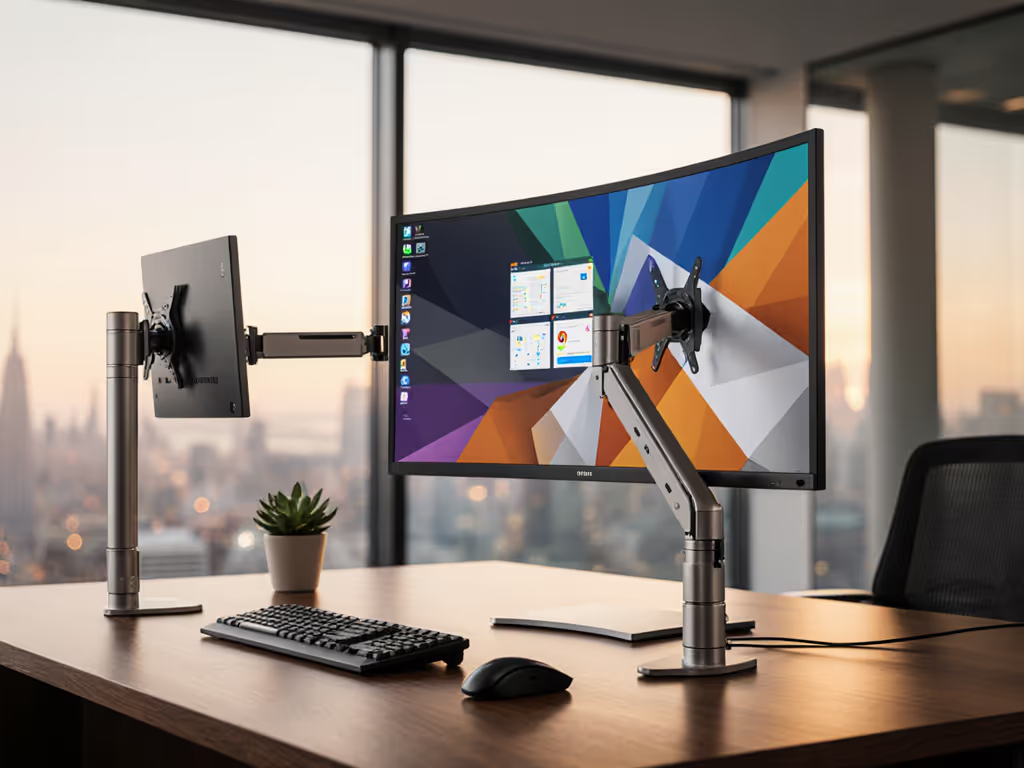
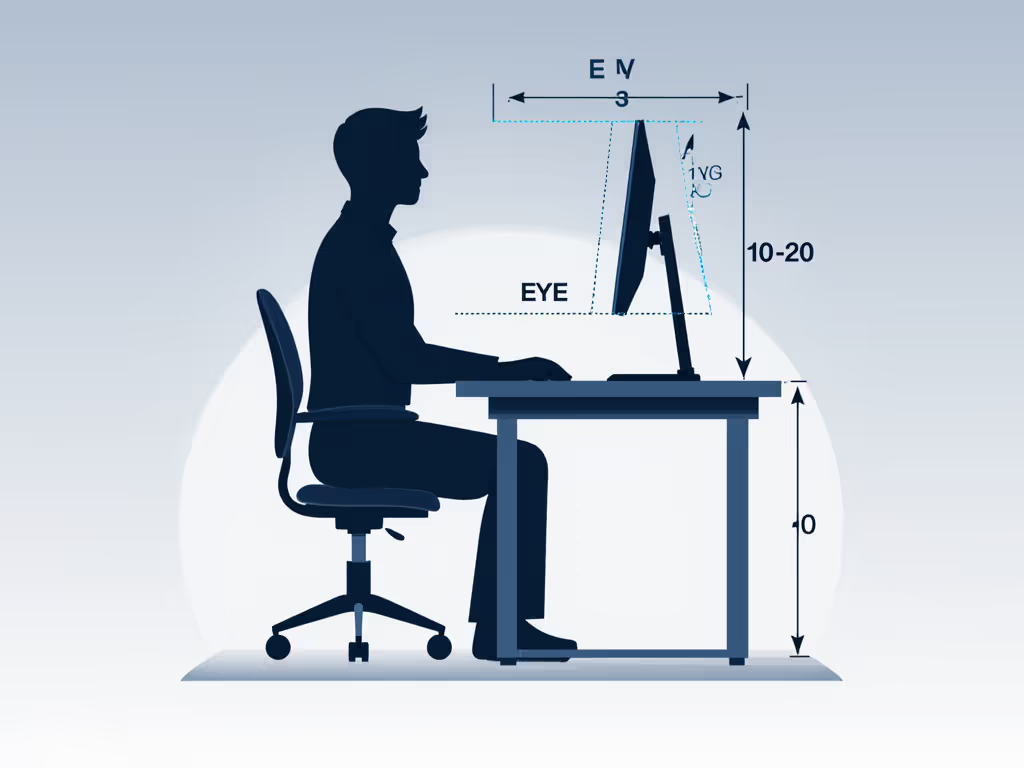
Pro Tip: Your monitor's top edge should align with your eye level when seated. For dual monitors, position primary display straight ahead with secondary slightly turned inward.
Step-by-Step: Building Your Pomodoro-Ready Display Environment
Step 1: Position for Rhythm, Not Just Resolution
Your task-specific monitor positioning needs to accommodate both work and break phases. During focus intervals, you need optimal clarity; during breaks, you want subtle environmental cues that encourage rest.
- Optimal Viewing Distance: 20-30 inches (arm's length) for 24-27" displays
- Break Reminder Angle: Tilt screen slightly downward (10-15°) so you must consciously reposition to work
- Peripheral Awareness: Position timer display where it enters your peripheral vision without requiring head movement
Step 2: Program Your Display Transitions
The magic happens when your environment shifts with your Pomodoro phases. Don't rely on willpower; make your productivity timer integration automatic:
- Focus Mode: Crisp brightness (250-300 cd/m²), cool color temperature (6500K), maximum text scaling
- Break Mode: Dim brightness (50-80 cd/m²), warm color temperature (3500K), subtle screen dimming
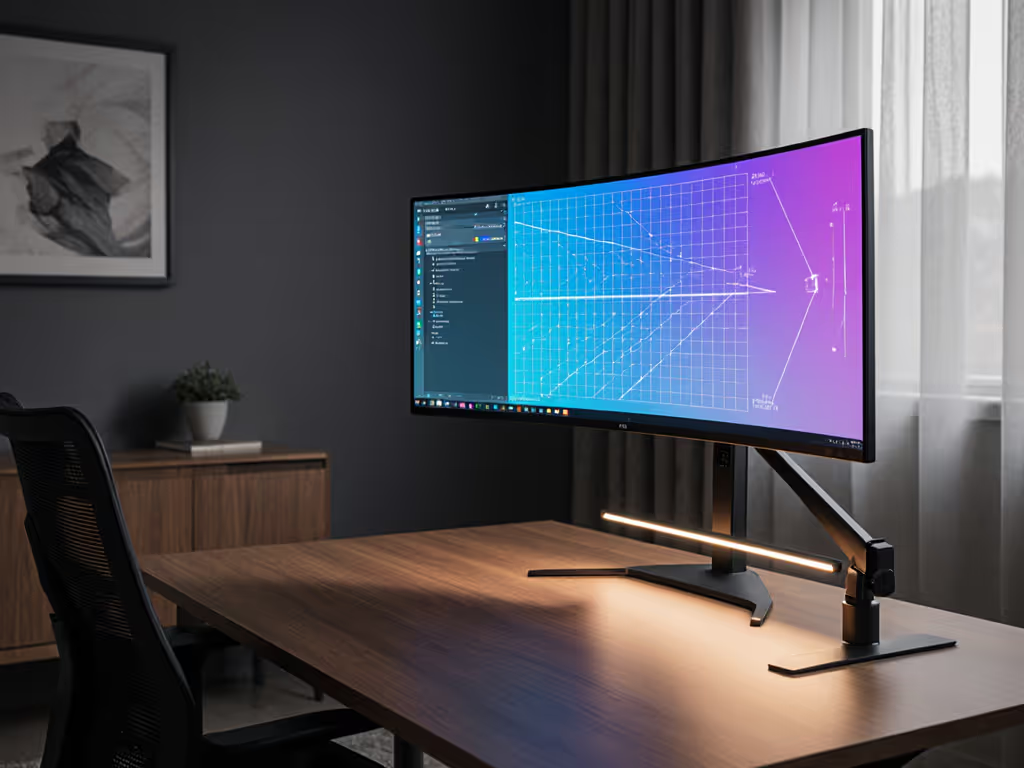
Most modern monitors support scheduling these profiles. Pairing this with bias lighting benefits reduces eye strain and sharpens perceived contrast during long cycles. On Windows, use Night Light Scheduler; macOS has Display Profiles. For physical timers, position them where their color change (e.g., green for work, red for break) enters your peripheral vision.
Step 3: Wire for Zero Distraction
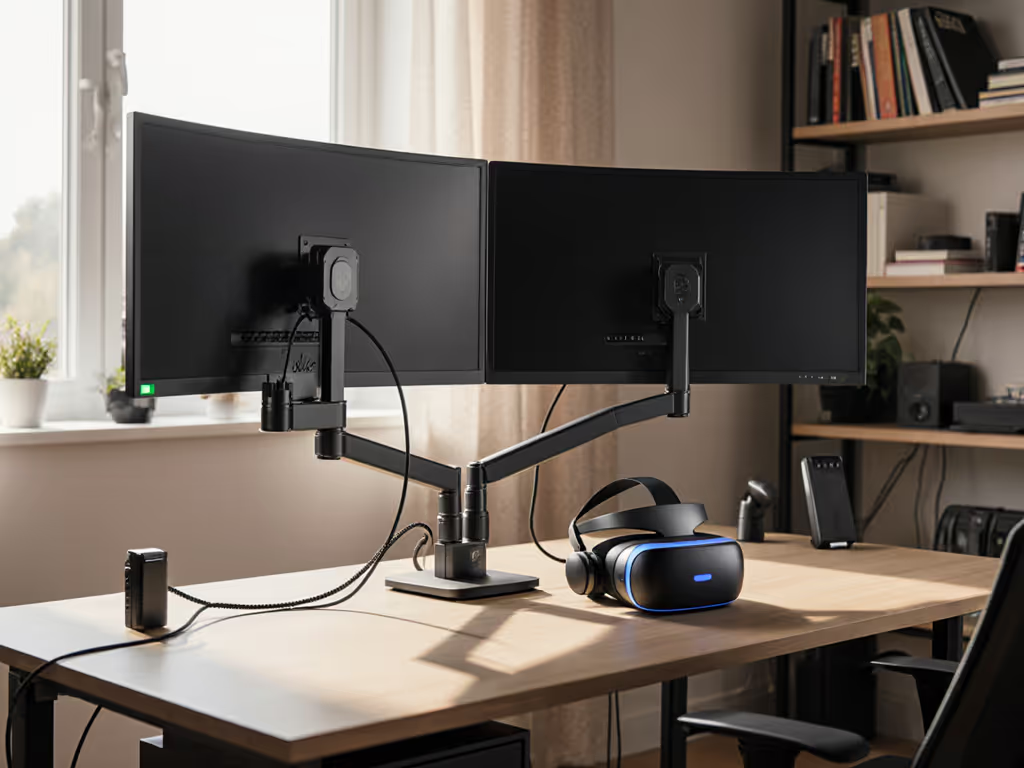
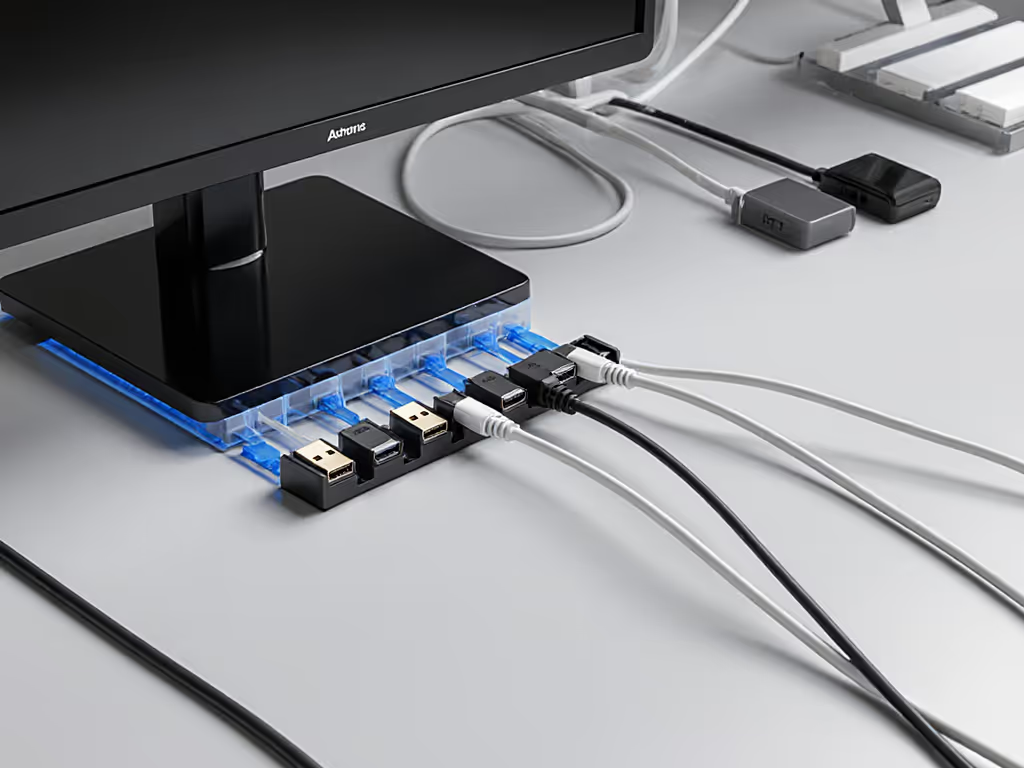
Cluttered cables equal cluttered focus. Use our monitor cable management guide to map hidden routing and avoid mid-session snags. Implement the "one glance" rule: if you can't see all cables at a glance when seated, they're causing micro-distractions.
- Measure Your Cable Path: Account for standing desk height changes
- Verify Power Requirements: Ensure sufficient wattage for monitor + peripherals during all desk positions
- Map Your Signal Flow: Single-cable solutions prevent accidental unplugging during focus sessions
Remember: A five-minute preflight prevents weeks of back-and-forth. Document your cable connections before disassembly.
Step 4: Test Your Break Triggers
Your break transitions should be unmistakable but not jarring. This is where screen dimming for breaks becomes transformational:
- Visual Cues: Gradual dimming over 10 seconds (not sudden blackouts)
- Auditory Signals: Low-frequency tones that don't spike cortisol
- Physical Prompts: Monitor arm with slight resistance requiring deliberate movement to restart
Test your setup with a 5-minute trial run. Can you transition to break mode without checking the clock? Does returning to work require conscious repositioning? If not, adjust until the environment guides your behavior.
Optimizing for Different Workflows
Creative Professionals (Designers, Photographers)
Color accuracy matters more during focus sessions than breaks. Implement:
- Focus Mode: Hardware calibration profile, 100% sRGB, glare-reducing hood
- Break Mode: Standard profile, reduced brightness, ambient lighting adjustment
Gamers and Streamers
Your pomodoro monitor setup must accommodate rapid context switching:
- Focus Mode: 144Hz+ refresh rate, minimal input lag settings
- Break Mode: Lower refresh rate to reduce eye strain during rest
- Physical Reset: Position timer so completing a Pomodoro requires standing to reset
Knowledge Workers (Remote/Hybrid)
For video call-heavy roles, integrate your timer with camera positioning: See our video call monitor setup for consistent image quality and distraction-free framing.
- Focus Mode: Camera positioned at eye level, neutral background
- Break Mode: Camera physically covered or angled away
- Transition Signal: Ambient light change (e.g., desk lamp warming during breaks)
First-Time Fit Checklist
Before final installation, verify these critical points:
- Monitor height doesn't require neck tilt beyond 15°
- Timer visibility confirmed from seated and standing positions
- Cable slack accommodates full standing desk range
- Break mode transitions are noticeable without being disruptive
- Ambient lighting complements display settings for both phases
- All connections secure enough to prevent accidental disconnection
Make Your Focus Intentional
Your Pomodoro sessions deserve more than a timer app. They need an environment engineered for attention. The most expensive part of any setup isn't the hardware; it's the time lost to preventable mismatches. By measuring your space, mapping your workflow, and verifying transitions before you begin, you transform your monitor from a passive display into an active focus partner.
Start with a preflight, end with a first-time fit and watch how your completed Pomodoros add up. Today's five minutes of planning pays compound interest in tomorrow's uninterrupted focus. Your most productive self isn't waiting for inspiration; they're already working in a workspace that makes distraction the harder choice.
Related Articles